
32GB Bootable Windows 10 & 11
4.2Editor score
Affordable 32GB capacity
UEFI and Legacy support
Data recovery tools included
Discover the top bootable Windows 11 USB drives for installation and repair. This guide compares features, compatibility, and tools to help you restore your PC
Modern computers often face critical system errors that prevent normal operation. A reliable bootable USB drive offers a straightforward solution to reinstall or repair your operating system without needing complex technical knowledge.
We evaluated ten top-rated products based on compatibility, included tools, and user feedback. Each option supports Windows 11 and 10 while offering unique features like password resets or network driver bundles.
Each pick highlights specific strengths such as ease of use or advanced recovery capabilities. Prices and availability can fluctuate frequently, so verify current details before making your final purchase decision.
4.2Editor score

4.3Editor score

4.2Editor score
This comparison table outlines the core specifications and capabilities of each selected drive. Review these details carefully to identify which model aligns best with your specific system requirements.


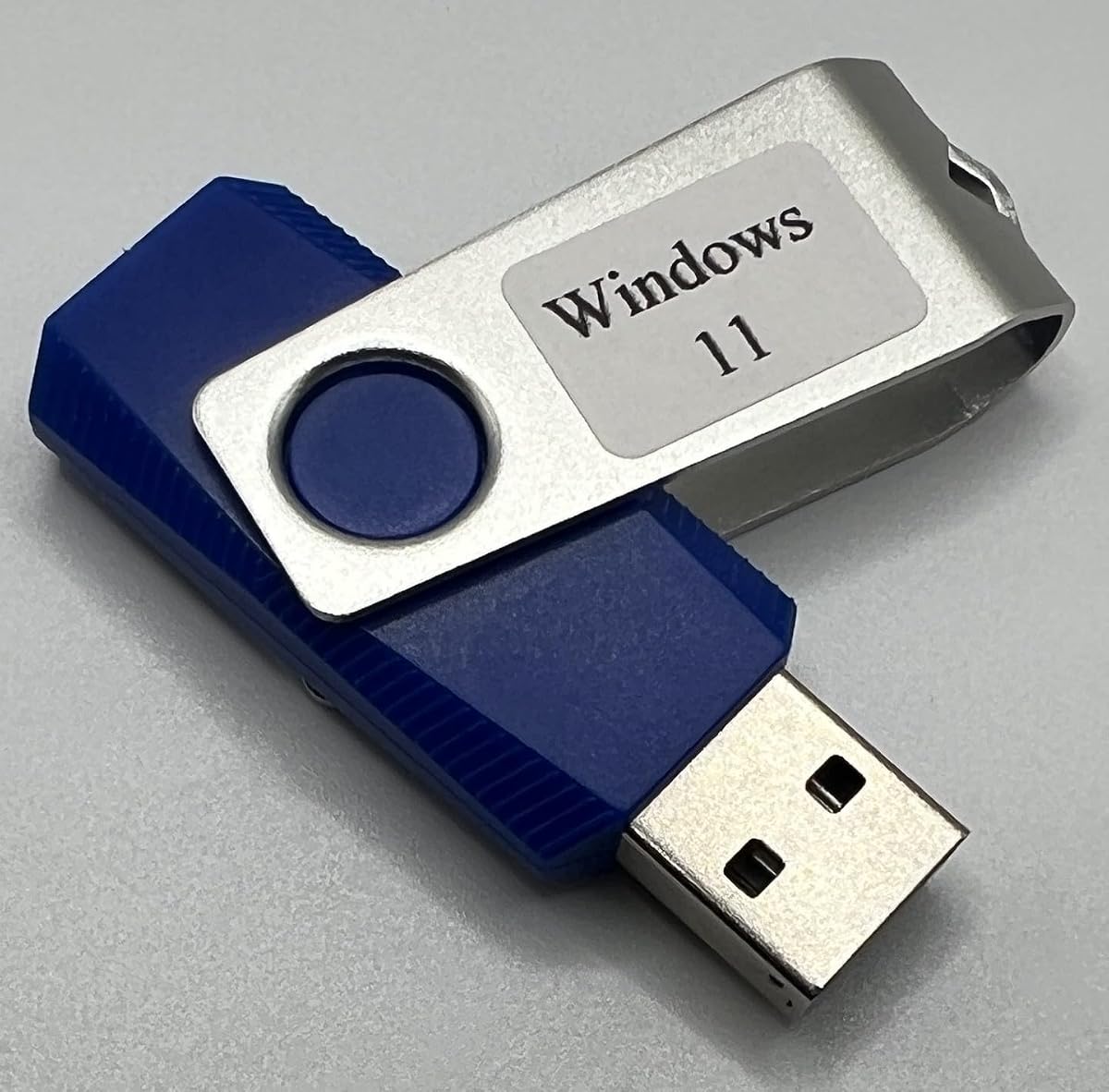


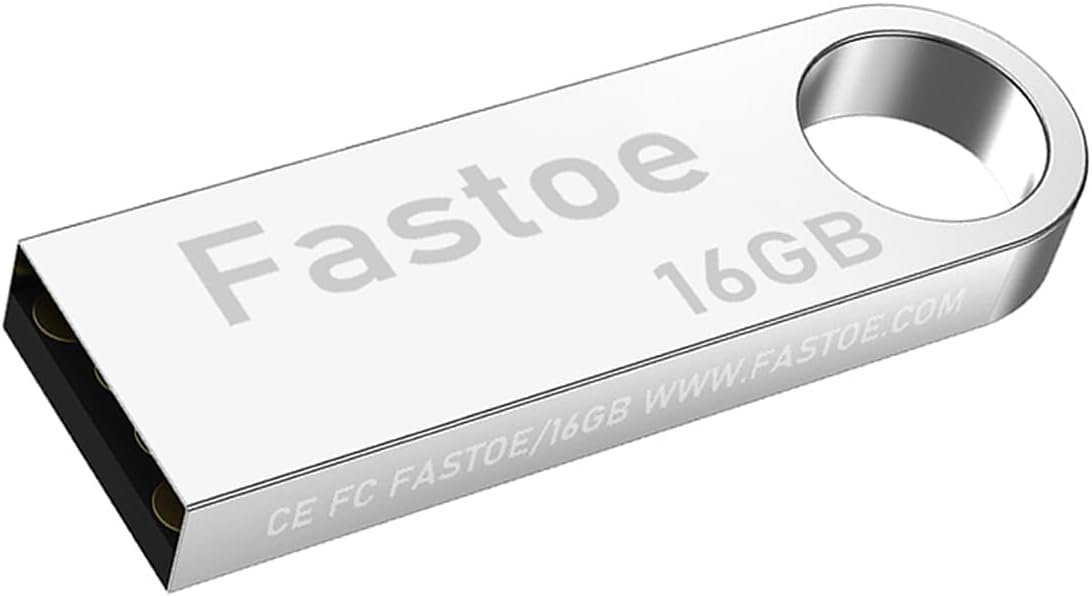
This 64GB drive ranks highest due to its extensive compatibility with Windows versions from 7 to 11. Users report high satisfaction with its ability to bypass TPM requirements and include essential network drivers.
We may earn a commission when you buy through this link, at no additional cost to you.
The drive functions as a comprehensive maintenance tool offering partitioning and data recovery features alongside standard installation capabilities. Detailed instructions help beginners navigate the boot process effectively without confusion.
Some users note that Secure Boot must be disabled in BIOS settings to initiate the installation process. While this adds a step, it ensures broad compatibility across older and newer hardware systems.
It is ideal for technicians or users needing a versatile tool to restore systems and recover data. The inclusion of network drivers makes it particularly valuable for fresh installs on machines without internet access.
Includes WiFi and LAN drivers to ensure immediate internet connectivity after OS installation.
Video guides are provided to assist beginners with the booting and installation process.
We may earn a commission when you buy through this link, at no additional cost to you.
This USB installer focuses on simplicity, providing a straightforward way to reinstall Windows 11 without TPM checks. It is designed for users who need a quick solution for system recovery.
We may earn a commission when you buy through this link, at no additional cost to you.
The product is handmade and tested in Texas, which implies a level of quality assurance often missing in mass-produced items. It is suitable for basic reinstall and repair tasks effectively.
Its 8GB capacity limits the amount of additional tools or data it can store compared to larger drives. It is strictly for OS installation and does not include extensive diagnostic features.
Choose this if you need a basic installer and want to support a small business. It is best for users who already have other tools for data recovery and hardware testing.
Tested in Texas to ensure the drive functions correctly before shipping to customers.
Designed specifically for reinstalling the operating system rather than complex diagnostics.
We may earn a commission when you buy through this link, at no additional cost to you.
This option provides excellent value by offering 32GB of storage along with critical recovery features. It is an attractive choice for those who want more capacity than 8GB drives.
We may earn a commission when you buy through this link, at no additional cost to you.
Users appreciate the inclusion of network drivers which allows for internet access immediately after installation. The drive supports both UEFI and Legacy BIOS modes for wider compatibility.
The data recovery capabilities allow users to backup files before reinstalling the operating system. This adds a layer of safety that prevents data loss during the recovery process.
It is best for home users seeking a cost-effective solution for system maintenance. The balance of price and features makes it a strong contender for general use cases.
Allows you to access the hard drive and backup data to keep files safe.
Includes WiFi and LAN drivers to connect to the internet after setup.
We may earn a commission when you buy through this link, at no additional cost to you.
This drive stands out for its advanced utilities like password reset and hardware testing tools. It is a comprehensive kit for users who need to troubleshoot more than just OS issues.
We may earn a commission when you buy through this link, at no additional cost to you.
The inclusion of WinPE tools provides a robust environment for diagnosing and repairing system failures. Video tutorials are included to guide users through the more complex features.
It supports both new builds and older computers, ensuring longevity of use across different hardware generations. The price point reflects its broader utility compared to standard installers.
Ideal for IT enthusiasts or tech support professionals needing an all-in-one solution. The ability to reset passwords without reinstallation is a significant advantage for busy scenarios.
Contains tools to reset Windows passwords without reinstalling the entire system.
Includes utilities to test hard drives and other hardware for potential faults.
We may earn a commission when you buy through this link, at no additional cost to you.
This tool is unique because it works with Secure Boot enabled without requiring BIOS changes. This reduces the complexity for users who are uncomfortable modifying system settings.
We may earn a commission when you buy through this link, at no additional cost to you.
It always installs the latest official version of Windows directly from Microsoft. This ensures authenticity and avoids potential issues with outdated or modified system files.
US-based support is available via live chat or email which provides peace of mind for technical assistance. The focus on genuine OS installation adds value for security-conscious users.
Choose this if you prioritize security and official sources over additional recovery tools. It is best for users who need a reliable install method without BIOS complications.
Downloads genuine Windows 11 or 10 directly from Microsoft to avoid pirated copies.
Works with Secure Boot enabled so no BIOS changes are needed for installation.
We may earn a commission when you buy through this link, at no additional cost to you.
This drive focuses on repairing common issues like blue screens or black screens. It is designed to help resolve performance problems without needing a full reinstallation.
We may earn a commission when you buy through this link, at no additional cost to you.
It includes detailed instructions for proper boot setup and system recovery procedures. The UEFI compliance ensures it works well on modern computers with 64-bit architectures.
The 16GB capacity is sufficient for system files but limits extra tool storage. Users should be aware that it is specifically tailored for Windows 11 environments.
It is suitable for users who need a straightforward repair tool for their Windows 11 machines. The included instructions are helpful for guiding non-technical users through the process.
Helps resolve slow performance and system crashes through recovery options.
Offers system restore options to revert the computer to a previous state.
We may earn a commission when you buy through this link, at no additional cost to you.
One unique feature is the inclusion of a license key for installation which simplifies the process. Users can install Windows 10 or 11 without needing to enter a key manually during setup.
We may earn a commission when you buy through this link, at no additional cost to you.
It includes various software tools for recovery and machine troubleshooting to handle complex failures. The hardware testing tools help identify if physical components are causing the issues.
Some users report needing to disable Secure Boot to access the USB on newer systems. This can be a hurdle for those unfamiliar with BIOS configuration and settings.
Choose this if you need a key and are comfortable with basic technical settings. It is best for users seeking a bundled solution that covers both installation and key activation.
Includes a license key for installation which simplifies the setup process.
Provides tools for password resets and hardware testing to fix complex issues.
We may earn a commission when you buy through this link, at no additional cost to you.
This installer combines installation media with WinPE repair tools for a complete rescue solution. It supports Windows 7 through 11 which is beneficial for maintaining older systems.
We may earn a commission when you buy through this link, at no additional cost to you.
Users can boot into the WinPE suite to backup files or repair boot issues easily. The inclusion of password recovery tools adds extra utility for locked out accounts.
Video tutorials and printable instructions are included to help users navigate the boot process. This documentation helps reduce frustration for those new to USB booting procedures.
It is ideal for users who need a single tool for installation and system repair. The compatibility with older Windows versions makes it a versatile option for mixed environments.
Boot into a utility suite to backup files and repair boot issues quickly.
Includes tools to recover Windows user account passwords for locked systems.
We may earn a commission when you buy through this link, at no additional cost to you.
This drive offers thirty different tools and options to handle various system failures. It is designed for compatibility with multiple Windows versions and offers broad utility.
We may earn a commission when you buy through this link, at no additional cost to you.
Users can access installation and recovery options for startup failures and system crashes easily. It helps refresh older computers without the need to download large system files.
The drive is reusable which means you can use it for multiple computers over time. It does not include a Windows license so you will need your own for activation.
Choose this if you want a flexible tool that covers many different scenarios. It is best for users who need to maintain a variety of computers with different OS needs.
Provides access to installation and recovery options for many different system failures.
Helps refresh and maintain older computers before deciding on replacement.
We may earn a commission when you buy through this link, at no additional cost to you.
This installer focuses on simplicity and reliability for Windows 11 users. It is built with a 16GB high-quality drive to ensure stable performance during installation.
We may earn a commission when you buy through this link, at no additional cost to you.
It is designed to be plug and play making it easy for non-technical users to utilize. The product is created using professional production tools to ensure high quality.
Online technical support is available to help you if you encounter any issues during use. The simplicity of the design makes it an accessible option for basic installations.
It is best for users who need a straightforward installer without complex extra tools. If you just need to install Windows 11 reliably this is a solid choice.
Includes user guide and online technical support services to help you get started.
Uses professional production tools to ensure the product quality is reliable.
We may earn a commission when you buy through this link, at no additional cost to you.
Selecting the right bootable USB drive requires understanding your specific needs for recovery and installation. Consider these key factors to find the best match.
Most modern drives come with 16GB to 64GB of storage which is sufficient for Windows installation files. Larger capacities allow you to include extra tools like drivers or backup software.
Choose at least 32GB if you need to store additional files or run complex diagnostic utilities.
Ensure the drive supports the specific Windows version you need whether it is 11 10 or older versions. Some drives are optimized for Windows 11 only while others support a range.
Look for descriptions explicitly listing supported versions to avoid incompatibility issues during setup.
Modern computers typically use UEFI BIOS while older systems may require Legacy BIOS for booting. Check if the drive supports both modes to ensure it works with your hardware.
A drive supporting both modes is more versatile for mixed hardware environments.
Many drives include extra tools like password resets data recovery or system diagnostics. These utilities can be crucial if you need to troubleshoot issues beyond simple installation.
Prioritize drives that offer WinPE suites if you need to backup files or repair boot issues.
Some drives include WiFi and LAN drivers to ensure internet connectivity after a fresh install. This is helpful for downloading updates or drivers that are not pre-installed.
Select a drive with network drivers if you plan to reinstall on a computer without Wi-Fi.
Look for products that include video tutorials and clear written instructions for booting. Beginners may struggle with BIOS settings so guides are valuable for success.
A drive with comprehensive tutorials saves time and reduces frustration during installation.
Most bootable drives require disabling Secure Boot in the BIOS to function correctly. Some newer options allow booting with Secure Boot enabled which simplifies the process.
Check the product details to see if Secure Boot adjustments are needed for your system.
Read user reviews to gauge reliability and customer support responsiveness. Look for drives with high ratings and verified purchase feedback.
Higher rated products usually indicate better quality control and more consistent performance.
To begin using your drive plug it into a USB port and restart your computer. Access the BIOS boot menu by pressing a specific key like F12 or Del during startup.
Select the USB drive from the boot list to launch the installation or recovery tools. Follow the on-screen instructions to reinstall Windows or repair system files.
Store the drive in a cool dry place when not in use to prevent physical damage. Avoid removing it during operations to ensure data integrity and file safety.
Most drives do not include a license key so you will need your own valid Windows product key. You can often install without a key and activate later or use your existing digital license.
Many drives support both UEFI and Legacy BIOS modes so they work on older computers. Check the product description to confirm Legacy support before purchasing for older systems.
Some drives include data recovery tools or allow you to access the hard drive to backup files. However they are primarily designed for OS installation and repair rather than deep file recovery.
Most drives require disabling Secure Boot in the BIOS settings to boot correctly. Some newer options allow booting with Secure Boot enabled but check the specific product details.
Windows 11 drives often bypass TPM requirements which are necessary for official installations. Both can install Windows 10 but 11 drives offer specific features for that newer system.
Quality USB flash drives can last several years if stored properly and used frequently. Avoid excessive bending or exposure to water to ensure the longevity of the drive.
The top picks offer a range of solutions from basic installers to comprehensive recovery tools. Select the one that aligns best with your technical needs and system requirements.
Prioritize drives that include essential features like network drivers and data recovery for greater utility. This ensures you can handle various scenarios beyond simple operating system installation.
Remember to verify current availability and product details before making your final purchase. Prices and specifications may change so checking the latest information ensures you get the best value.