
Standard 5ft (1.5m) 10 Amps 125 Volts Black 3 Prong AC Power Cord Cable
4.7Editor score
Five feet cable length
Universal three prong plug
Heavy duty flexible cord
This guide compares the best ASUS Monitor Power Cord Replacement options for reliability and compatibility with various monitor series including ROG and Tuf
Finding the right power solution for your display is crucial for uninterrupted workflow. A compatible replacement ensures your screen receives stable voltage without risking damage to internal components or causing unexpected shutdowns during critical tasks.
We evaluated ten top-rated adapters based on compatibility, safety certifications, and build quality. Our selection covers a wide range of ASUS models from standard office displays to high-refresh gaming monitors to help you find the perfect match for your setup.
Each pick details specific voltage requirements, connector sizes, and supported series. Prices and availability change frequently so always verify your monitor specifications before purchasing to ensure you select the correct adapter for your specific device configuration.
4.7Editor score

4.8Editor score

4.6Editor score
The following table provides a side-by-side comparison of our top ten selected adapters. Each entry highlights key specifications such as wattage, connector type, and supported monitor series to help you quickly identify the right replacement for your device needs.

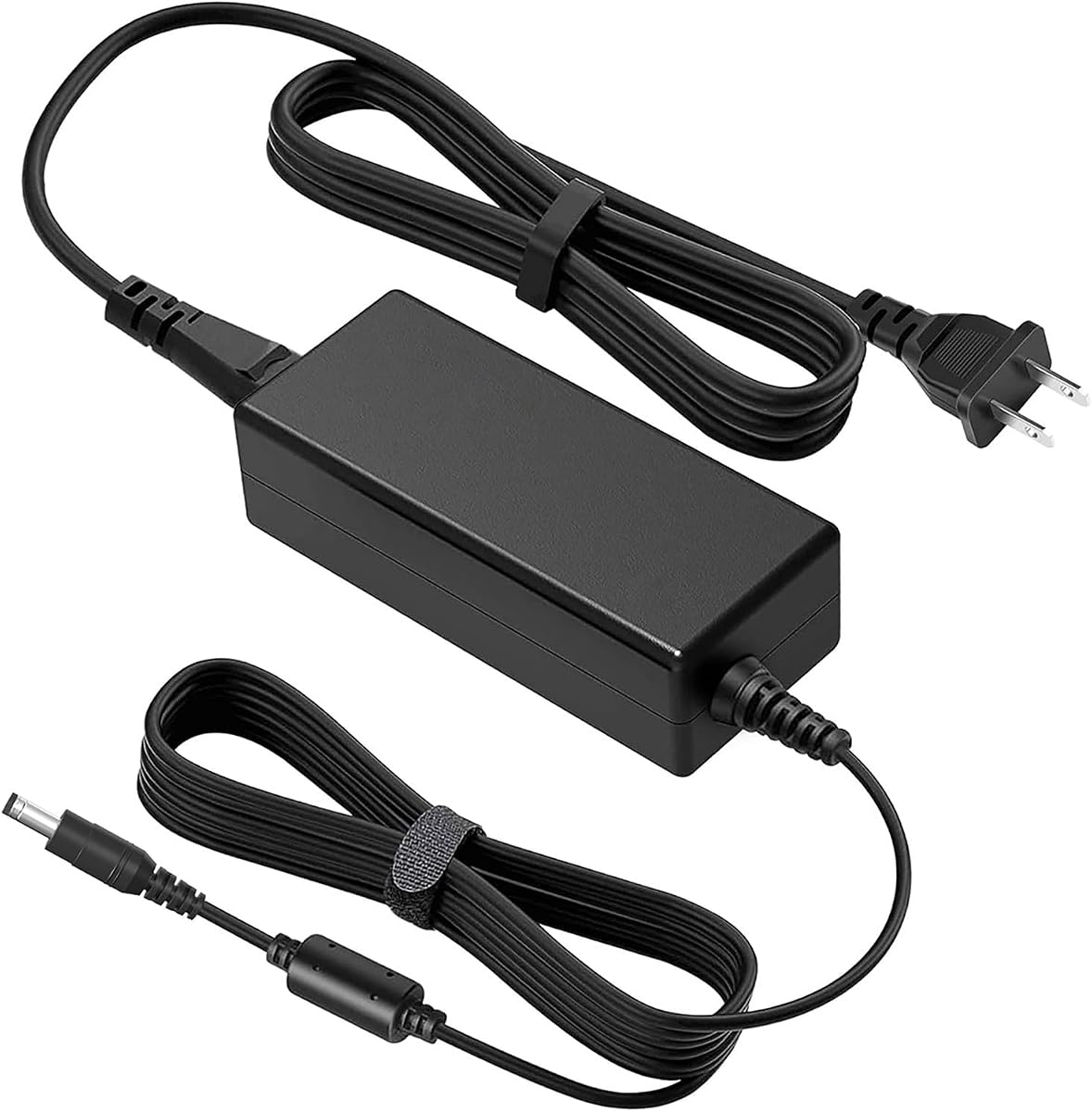


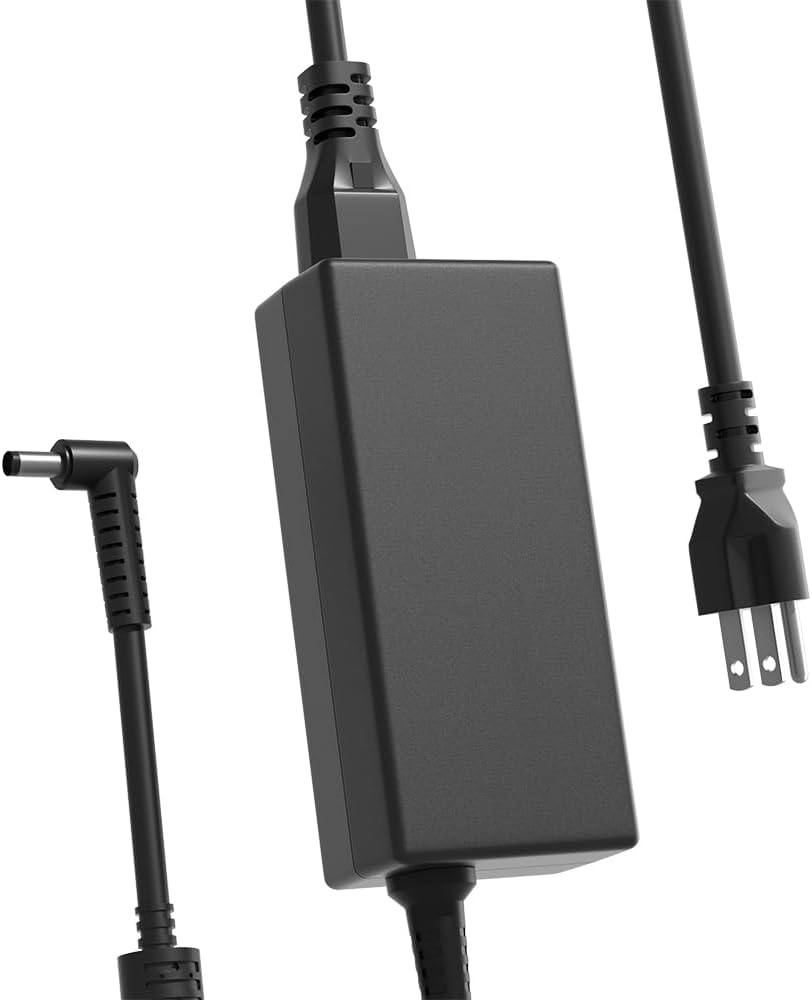


This adapter stands out as the top choice for its extensive model compatibility and high power output. With a robust 90W capacity and support for dozens of ASUS monitor series, it delivers stable power to even high-demand displays.
We may earn a commission when you buy through this link, at no additional cost to you.
The 19V output with flexible amperage support ensures that your monitor receives consistent energy. The connector is specifically designed for standard ASUS models using 5×2.5mm tips, making installation straightforward without needing adapters.
While it is powerful enough for most needs, you must verify your specific monitor port size before purchase. The large wattage ensures it handles demanding tasks without overheating but may be bulkier than lower wattage options.
If you own an ASUS VG278Q or similar models and need a reliable power source, this adapter is an excellent investment. It offers peace of mind for daily office work or gaming sessions without voltage drops.
Supports over fifty different monitor models across multiple series for broad utility.
90W output ensures consistent performance even under high brightness or refresh rates.
We may earn a commission when you buy through this link, at no additional cost to you.
This is a versatile cable solution for monitors that accept standard C13 inputs. It provides a reliable connection between your wall outlet and power brick without breaking the bank while maintaining high quality standards.
We may earn a commission when you buy through this link, at no additional cost to you.
The 18 AWG gauge ensures safe current delivery for most household electronics. Its flexible design allows for neat setup management around desks while the molded ends provide durability against repeated plugging and unplugging.
While it is cost-effective it only works for monitors with built-in power supplies. If your unit requires an external brick this cable will not function as a replacement power source for the adapter itself.
For users needing a simple cord replacement this option is ideal. It pairs well with existing bricks or monitors that plug directly into the wall offering a quick fix for frayed or lost power cords.
Works with standard C13 connectors found on many computers and monitors worldwide.
Flexible yet sturdy cable resists damage from daily wear and heavy usage.
We may earn a commission when you buy through this link, at no additional cost to you.
This adapter is designed for high-performance ROG monitors requiring stable power. Its industrial grade build and FCC certification ensure safe operation while supporting flagship gaming models without compromising visual quality or performance.
We may earn a commission when you buy through this link, at no additional cost to you.
The 65W output provides ample power for high-refresh displays. It handles demanding tasks smoothly and runs cooler than standard adapters because it operates below maximum capacity. This ensures longevity and consistent display performance.
Always check your monitor requires 19V before purchasing. The 5.5mm tip is standard for many models but will not fit smaller 4.0mm tips found on slim newer devices. Verify specifications to avoid compatibility issues.
For gamers or professionals needing a reliable upgrade this adapter delivers. It restores power to your screen instantly and ensures flicker-free performance that matches the quality of your expensive display setup.
Industrial materials prevent overheating and extend adapter lifespan over time.
Fits ROG Swift models providing stable current for high refresh rate displays.
We may earn a commission when you buy through this link, at no additional cost to you.
This adapter is ideal for users replacing specific OEM parts. It matches several original part numbers and offers built-in circuitry to protect against over-current and overheating. It provides reliable power for various ASUS monitor models.
We may earn a commission when you buy through this link, at no additional cost to you.
The 65W capacity supports most standard displays efficiently. It includes protection against short circuits and over-voltage ensuring safe daily use. The connector is standard for many models but verify dimensions before purchase.
While effective you must ensure your monitor requires 19V. It will not work with 12V models or those using different tip sizes. Always check the label on the back of your monitor before buying.
For a quick reliable replacement this option offers great value. It covers many part numbers and ensures your display receives safe power. Suitable for home offices or gaming setups needing a dependable power source.
Matches several original ASUS part numbers for accurate replacement without hassle.
Built-in protection prevents damage from electrical surges or overheat.
We may earn a commission when you buy through this link, at no additional cost to you.
This adapter features a high-efficiency smart chip that ensures stable power delivery. It includes extensive safety protections and supports many ASUS Tuf Gaming models. The design ensures your monitor runs smoothly even under high brightness settings.
We may earn a commission when you buy through this link, at no additional cost to you.
The internal smart chip handles precise AC to DC conversion. This supports fast dynamic response for flicker-free performance. The 6 layer protection adds reliability for sensitive equipment by preventing electrical damage.
While powerful the adapter may be bulkier than compact options. Verify connector size and voltage before use. Ensure your unit supports 19V to avoid any potential compatibility issues or hardware problems.
For users needing a secure power solution this adapter fits well. It protects sensitive electronics while delivering consistent power. Ideal for gaming setups where stable voltage prevents screen flicker or unexpected shutdowns.
High efficiency conversion ensures stable output regardless of voltage fluctuations.
Six layers of safety features protect against overheating or short circuits.
We may earn a commission when you buy through this link, at no additional cost to you.
This adapter supports global voltage making it versatile for travel or international use. It delivers stable power for multiple ASUS monitor models and matches several OEM specifications. Ideal for users needing reliable power anywhere.
We may earn a commission when you buy through this link, at no additional cost to you.
The 100-240V input allows use with any standard outlet. It ensures consistent output regardless of local voltage differences. This broad compatibility makes it a practical choice for offices or homes with varying electrical standards.
While versatile ensure your monitor port matches the connector size. Verify 19V requirements before purchasing. This adapter works well with standard models but check specifications to confirm proper fit for your device.
If you travel often or need flexible power this unit fits. It delivers stable energy for various devices and supports different wattages. A practical choice for users needing a reliable universal replacement power solution.
Works with 100-240V inputs allowing usage across different regions without adapters.
Consistent 19V output ensures monitor stability regardless of input fluctuations.
We may earn a commission when you buy through this link, at no additional cost to you.
This adapter offers a reliable replacement for standard ASUS monitors. It provides stable voltage and current output ensuring consistent performance. The wide compatibility range makes it a versatile choice for many models.
We may earn a commission when you buy through this link, at no additional cost to you.
The 3.42A current ensures sufficient power for most screens. It includes global voltage support for flexible use. The design prioritizes stability and safety for daily office or gaming applications.
While effective confirm your monitor requires 19V. This adapter works well with many models but verify port size and wattage needs. Ensuring specifications match prevents any potential compatibility issues or performance drops.
If you need a dependable power source this adapter fits. It delivers consistent energy for various models and supports multiple setups. A practical choice for users seeking a reliable replacement without compromising performance.
Consistent current rating ensures stable performance for daily monitor usage.
Global voltage support allows use with different outlet standards worldwide.
We may earn a commission when you buy through this link, at no additional cost to you.
This adapter features a lightweight compact design ideal for portability. It uses durable materials resistant to heat and fire. The included components ensure you have everything needed for a quick replacement setup.
We may earn a commission when you buy through this link, at no additional cost to you.
The internal chip adjusts power based on device needs. This ensures safety and efficiency during daily use. The flame retardant materials add protection for sensitive electronics and extend overall lifespan significantly.
While versatile confirm your monitor port matches the adapter. Ensure voltage requirements align before purchase. Checking specifications prevents any potential compatibility issues with your specific device model.
For a portable reliable power solution this option fits. It offers safety and efficiency for various monitors. A smart choice for users needing a quick easy replacement for damaged or lost adapters.
Lightweight design makes easy to pack for business trips or daily office use.
Flame retardant materials protect against overheating and electrical hazards.
We may earn a commission when you buy through this link, at no additional cost to you.
This adapter works with multiple brands making it versatile. It offers reliable power for ASUS and HP monitors with 19V requirements. Safety features protect against electrical issues ensuring safe daily operation.
We may earn a commission when you buy through this link, at no additional cost to you.
The global voltage input supports different regions. It includes overcurrent and short circuit protection for added safety. The design prioritizes reliability and stability for office or home setups.
While compatible with many monitors verify port size before purchase. Ensure voltage needs match to avoid issues. Checking specifications ensures this adapter fits your specific device model correctly.
If you need a flexible replacement this option fits. It supports various models and offers essential protections. A practical choice for users needing a reliable adapter for mixed brand setups.
Works with both ASUS and HP monitors supporting 19V power requirements.
Protects against overcurrent and short circuits ensuring safe daily operation.
We may earn a commission when you buy through this link, at no additional cost to you.
This adapter features an extended cable for flexible placement. The copper wire core ensures efficient power delivery with low heat generation. It offers long-term reliability and safety for daily use.
We may earn a commission when you buy through this link, at no additional cost to you.
The 65W capacity supports various models. It is designed for durability with fire-resistant materials. The extended length allows convenient outlet placement without stretching or stressing the cable.
While durable verify your monitor port matches. Ensure voltage needs align for best results. Checking specifications guarantees this adapter fits your device without compatibility issues.
If you need long reach this option fits well. It combines durability with flexible cable length. A smart choice for users needing a reliable power solution with extended reach.
8-foot cable provides flexible placement options for your desk setup.
Pure copper wire ensures efficient delivery with minimal heat generation.
We may earn a commission when you buy through this link, at no additional cost to you.
Selecting the right power adapter requires careful attention to technical specifications. This guide outlines critical factors to consider before purchasing to ensure compatibility and safety.
Verify your monitor requires 19V before purchasing. Using an incorrect voltage can damage internal components. Match the wattage of your original adapter to ensure stable performance.
Always confirm voltage and wattage specifications match your device needs.
Check the connector dimensions on your monitor's power port. Most models use 5.5mm x 2.5mm tips but some require smaller sizes. Incorrect connector sizes will prevent proper connection.
Ensure the connector size matches your monitor exactly to avoid connection issues.
Look for CE FCC or RoHS certification on the packaging. Certified adapters meet safety standards and reduce fire risks. Avoid uncertified products to protect your equipment.
Choose certified adapters to ensure compliance with safety standards.
Select a cable length suitable for your desk setup. Short cables may restrict placement while long ones improve flexibility. Consider the distance between your monitor and outlet.
Choose a cable length that matches your desk setup requirements.
Inspect the casing and cord materials for durability. Fire-resistant materials protect against overheating. Molded ends prevent fraying and improve longevity.
Prioritize adapters with durable casing and protected cable ends.
Ensure the adapter is designed for ASUS monitors. Cross-compatible options exist but verify they support your specific series. Check product descriptions for supported models.
Confirm the adapter supports your specific monitor series and models.
Review warranty terms before purchasing. Reputable sellers often offer replacement policies for defective items. Good support ensures peace of mind if issues arise.
Look for clear warranty policies to ensure support if needed.
Read verified buyer feedback on performance. Look for comments on heat generation and stability. Reviews reveal real-world reliability over time.
Check verified reviews to assess real-world performance and reliability.
Ensure your monitor is powered off before connecting the adapter. Plug the connector firmly into the port until it fits snugly. Avoid forcing the plug to prevent damage to the pin.
Position the adapter so it does not block airflow. Place it on a flat surface away from direct sunlight. This helps prevent overheating and extends the lifespan of the unit.
Unplug the adapter during thunderstorms to protect against surges. Inspect the cord regularly for wear or fraying. Replace damaged cables immediately to avoid electrical hazards.
Most ASUS monitors use 19V power supplies. Always check the label on the back of your monitor to confirm. Using incorrect voltage can damage the unit.
Yes using a higher wattage adapter is generally safe. The monitor draws only the power it needs. Ensure the voltage and connector size match exactly.
Check the label on the monitor or the original adapter. Most use 5.5mm x 2.5mm tips. If unsure measure the diameter of the tip with calipers.
Flickering may indicate insufficient power delivery. Ensure the adapter provides stable output and matches specifications. A faulty adapter can cause unstable performance.
No adapters vary by voltage connector size and wattage. Always verify compatibility with your specific monitor model. Using the wrong adapter can cause damage.
Yes a stable adapter ensures consistent performance. Poor quality cords may cause voltage drops. Choose certified adapters for reliable operation.
Most adapters are for monitors not laptops. Laptop connectors may differ. Check specifications to ensure compatibility before use.
Our top picks offer reliable power solutions for various ASUS models. The editor's choice provides broad compatibility while the budget option suits simple needs.
Prioritize matching voltage and connector size for safe operation. Certified adapters ensure longevity and protect your display from electrical issues.
Remember to verify current prices and availability before buying. Specifications change and finding the right fit ensures your monitor operates smoothly.