
ASUS ROG Strix G16 (2025) Gaming Laptop G615JMR-AS74
4.4Editor score
Intel Core i7 14650HX Processor
RTX 5060 Laptop GPU
165Hz FHD+ Display
This guide compares the top ten ASUS ROG Strix laptops based on performance, display quality, cooling technology, and value for gaming and creative workflows.
Finding the right gaming laptop can be overwhelming with so many options available in the market today. The ASUS ROG Strix line offers a diverse range of machines designed to handle everything from competitive esports to high-end content creation. Each model brings unique strengths in terms of processor power, graphics capabilities, and display technology.
We have evaluated ten current models to provide a clear comparison of what each system offers to potential buyers. Our analysis focuses on critical specifications like refresh rates, memory configurations, storage speeds, and thermal management systems. This ensures you can identify which laptop aligns best with your specific performance needs and budget constraints.
Each pick below highlights key features and real-world performance expectations based on technical specifications and user feedback. Please note that prices and availability change frequently so checking the current links is essential before making a purchase decision. We aim to give you a comprehensive overview to streamline your selection process effectively.
4.4Editor score

4.3Editor score

4.3Editor score
The following table provides a side-by-side comparison of all ten selected models to help you quickly identify differences in hardware and features.



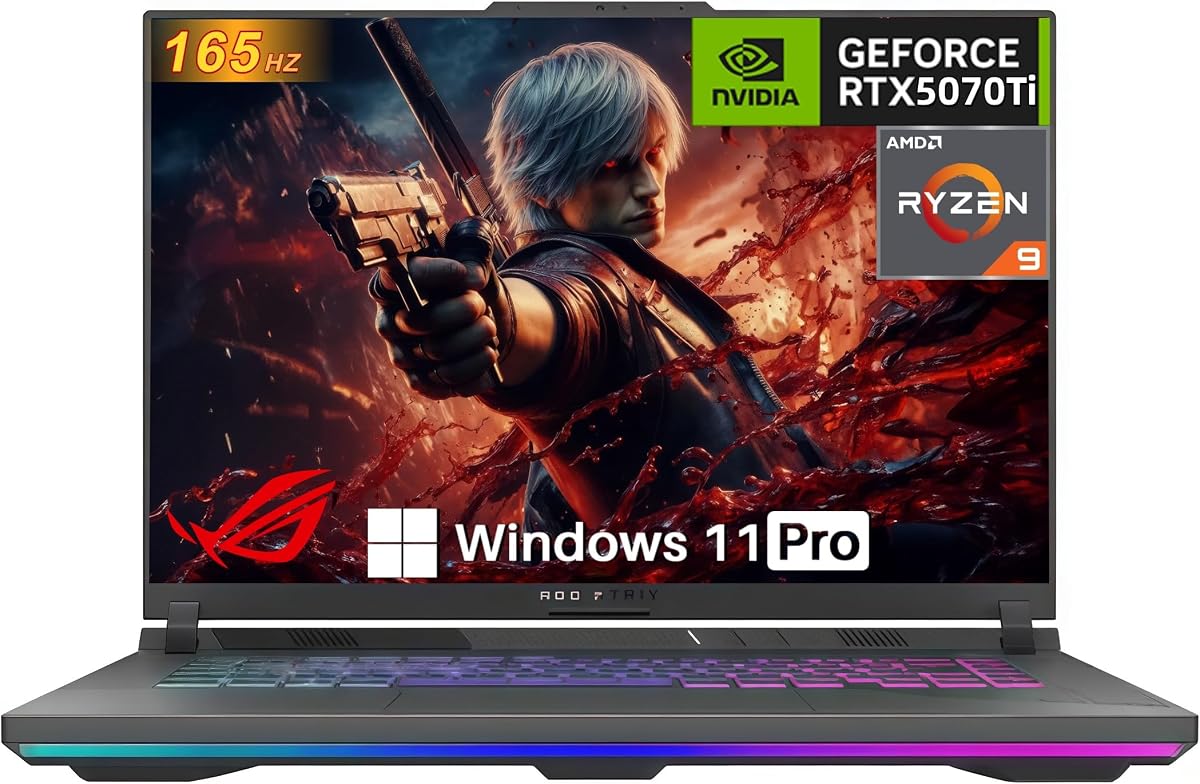

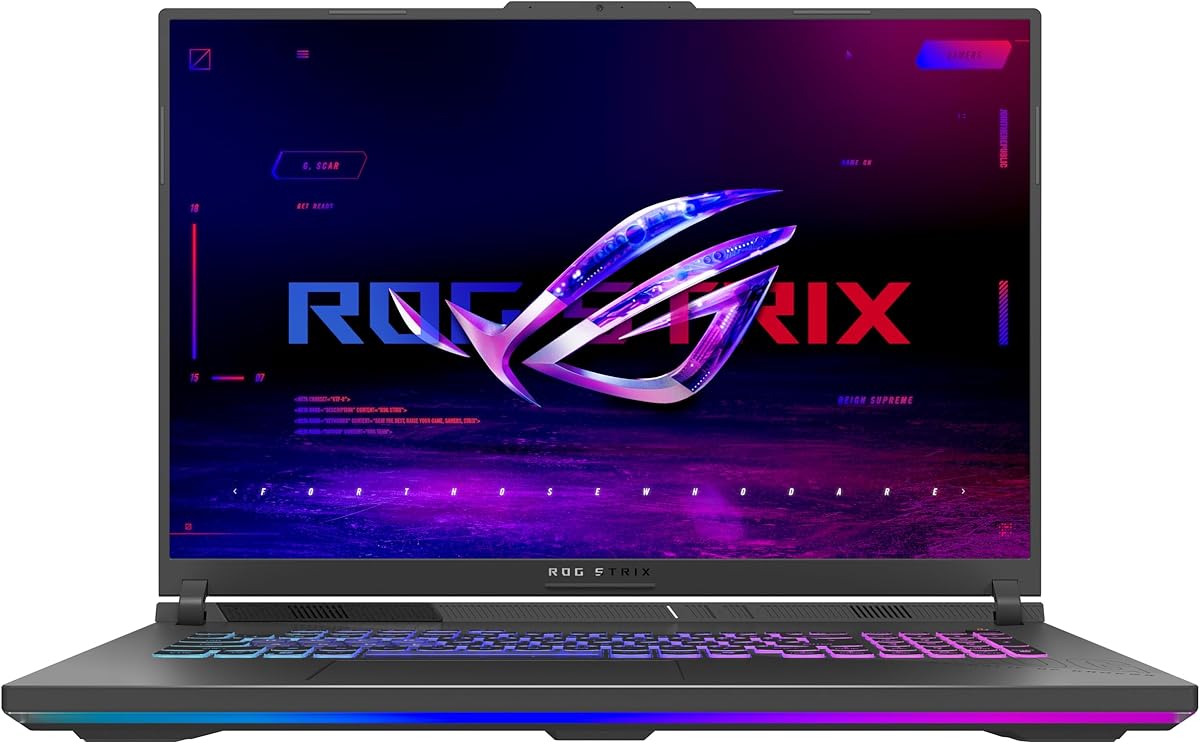
This model offers an excellent entry point into the ROG Strix lineup with reliable performance for modern gaming and multitasking. It features a solid combination of an Intel Core i7 processor and an RTX 5060 GPU that handles most titles comfortably at high settings. The 165Hz display ensures smooth visuals while the system maintains good thermal control during extended sessions.
We may earn a commission when you buy through this link, at no additional cost to you.
Performance is a key strength here due to the Blackwell architecture GPU which supports DLSS 4 and Max-Q technologies for optimized efficiency. The 16GB of DDR5 memory allows for seamless multitasking between games and applications without significant lag. Storage is fast with a 1TB Gen 4 SSD providing quick load times for your game library.
While the display is good it is not the highest resolution available in the Strix range which might matter for creative professionals needing more screen real estate. The 16GB RAM is adequate for most users but power users may find it limiting when running heavy virtualization or video editing tasks simultaneously. These trade-offs are acceptable given the price position.
This laptop is ideal for gamers and students who want a balanced machine that delivers high frame rates without breaking the bank. It is recommended for those who prioritize raw performance and cooling efficiency over premium display features like Mini LED or higher resolutions. The inclusion of Wi-Fi 7 future proofs the connection for upcoming networking standards.
ROG Intelligent Cooling with vapor chamber and tri-fan technology keeps the system quiet and stable during intense workloads.
Wi-Fi 7 support ensures ultra-low latency and high throughput for online gaming and large file transfers.
We may earn a commission when you buy through this link, at no additional cost to you.
This laptop stands out as the ideal balance of power and visual fidelity for most high-end gamers and creators. The combination of an Intel Core Ultra 9 processor and RTX 5070 Ti GPU delivers exceptional performance across AAA titles and creative workflows. The Nebula display adds a significant upgrade in color accuracy and smoothness with its 240Hz refresh rate.
We may earn a commission when you buy through this link, at no additional cost to you.
Key strengths include the substantial 32GB of DDR5 memory which eliminates bottlenecks for heavy multitasking and content creation tasks. The GPU supports advanced features like DLSS 4 and Frame Generation to maximize visual quality while maintaining high frame rates. The cooling system is robust enough to sustain boost clocks without thermal throttling even under maximum load.
The primary consideration is the cost which is higher than the base G16 models but justified by the superior components included. Some users might prefer a 2TB storage option but the 1TB PCIe Gen 4 SSD provides ample speed for daily operations. These factors are minor compared to the overall performance envelope provided by this configuration.
We recommend this machine for anyone seeking a top-tier laptop that does not compromise on display quality or memory capacity. It suits streamers who need consistent performance and gamers who demand the best visual experience available on a laptop screen. This model represents the sweet spot in the current ROG Strix lineup for most enthusiasts.
ROG Nebula display offers stunning colors and sharpness with anti glare film for immersive viewing in any lighting.
Intel Core Ultra 9 processor with AI capabilities enhances workflow efficiency and multitasking performance.
We may earn a commission when you buy through this link, at no additional cost to you.
The Scar 18 offers a massive viewing experience with HDR support that sets a new standard for visual fidelity in laptops. It pairs an 18 inch display with powerful internals to deliver desktop replacement performance in a portable form factor. The HDR capabilities allow for stunning contrast and brightness making it perfect for media consumption and high fidelity gaming.
We may earn a commission when you buy through this link, at no additional cost to you.
Performance benefits include the MUX Switch which routes frames directly from the discrete GPU to boost gaming performance by up to ten percent. Advanced Optimus seamlessly switches between graphics modes to optimize battery life without manual intervention. The AniMe Vision lid adds a unique personal touch that allows you to display custom animations and text to the world.
The main trade-offs are weight and portability which make it less suitable for daily commuting compared to smaller 16 inch models. The price is significantly higher than other models but the display and thermal performance justify the cost for enthusiasts. These limitations are acceptable for users who prioritize screen size and visual quality over travel convenience.
This laptop is best for home gamers and professionals who need a large high quality screen for creative work and entertainment. It is recommended for those who want a premium build with unique features like the AniMe Vision and superior HDR capabilities. Choosing this model ensures you get the top end of what the Strix series has to offer.
Mini LED technology provides 2000 plus dimming zones for incredible contrast and lifelike imagery in supported content.
MUX Switch and Advanced Optimus provide automatic performance and battery switching for maximum efficiency.
We may earn a commission when you buy through this link, at no additional cost to you.
This model prioritizes display quality by pairing a premium Nebula panel with a capable Ultra 9 processor for smooth general performance. The 2.5K resolution and Dolby Vision HDR bring content to life with vibrant colors and deep contrasts suitable for media and design work. It is a strong option for those who value screen fidelity over raw graphical power in games.
We may earn a commission when you buy through this link, at no additional cost to you.
The Ultra 9 processor delivers strong single core performance and efficiency which benefits productivity tasks and general multitasking. The 240Hz refresh rate ensures motion remains crisp and fluid even if the GPU is not pushing maximum frame rates in every title. Cooling remains effective thanks to the standard ROG thermal solution found in the Strix series.
Gamers should note that the RTX 5060 GPU may struggle to maintain high frame rates at 2.5K resolution in the most demanding titles. Upgrading to a 32GB RAM configuration might be necessary for future proofing as software demands grow over time. These trade-offs are reasonable if your priority is visual clarity and color accuracy on a laptop.
This laptop is ideal for media consumers and light to moderate gamers who want a high quality screen for creative work. It works well for students or professionals who need a powerful CPU for editing and rendering while still enjoying stunning visuals. If you prioritize screen quality this model offers a compelling package despite the GPU limitations.
2.5K Nebula display with Dolby Vision provides rich color and brightness for professional content creation.
Intel Core Ultra 9 architecture provides better power efficiency and AI integration for modern workloads.
We may earn a commission when you buy through this link, at no additional cost to you.
This model brings AMD processing power to the Strix lineup with a Ryzen 9 CPU and RTX 5070 GPU for strong gaming performance. It offers a competitive alternative to Intel based systems with excellent multi-core performance for rendering and multitasking workloads. The GPU supports DLSS 4 and Max-Q technologies to maximize visual output and efficiency during play.
We may earn a commission when you buy through this link, at no additional cost to you.
Performance is a clear highlight here as the combination of CPU and GPU handles demanding games without bottlenecking. The 165Hz display ensures smooth visuals and the cooling system manages heat effectively even during extended sessions. The MUX Switch provides a performance boost by routing frames directly from the dedicated GPU to the display.
The display is a standard FHD+ panel which lacks the premium features of the Nebula options found in other models. Connectivity is limited to Wi-Fi 6E which is fast but not as future-proof as the newer Wi-Fi 7 standard. These factors are acceptable if you prioritize raw performance and a powerful CPU over screen technology and connectivity specs.
We recommend this laptop for gamers and creators who need high performance processing and graphics without needing a premium display. It suits users who work heavily with code compilation or 3D rendering where CPU cores matter most. Choosing this model ensures you get top-tier raw power at a competitive price point.
AMD Ryzen 9 9955HX delivers massive multi-core performance for heavy workloads and multitasking.
RTX 5070 GPU with DLSS 4 offers excellent frame rates and visual fidelity in modern titles.
We may earn a commission when you buy through this link, at no additional cost to you.
This version focuses on delivering maximum graphical performance with a full 140W GPU and GDDR7 VRAM for demanding titles. The 32GB of DDR5 RAM ensures you have plenty of headroom for multitasking and creative apps without slowdowns. It is a solid choice for those who prioritize raw frame rates and sustained performance in games over display resolution.
We may earn a commission when you buy through this link, at no additional cost to you.
The high power delivery to the GPU allows for better frame rates and thermal stability compared to lower wattage variants. GDDR7 memory provides increased bandwidth for faster data access and smoother performance in ray-traced scenes. The inclusion of a physical Ethernet port ensures stable and fast networking for competitive gaming sessions.
The display is limited to WUXGA resolution which is lower than the 2.5K options available in other Strix models. Wi-Fi connectivity is 6E which is reliable but not the latest generation available. These compromises are acceptable for users who want the best possible GPU performance and physical ports at a lower price.
This laptop is ideal for competitive gamers and enthusiasts who want maximum frame rates and full power graphics. It works well for users who connect to external monitors and prioritize GPU power over built-in screen quality. Choosing this model ensures you get a high performance GPU at full wattage without unnecessary compromises.
140W TGP ensures the GPU runs at full potential for maximum frame rates and stability.
GDDR7 VRAM offers significantly higher bandwidth for advanced rendering and gaming tasks.
We may earn a commission when you buy through this link, at no additional cost to you.
This model is designed with future proofing in mind offering easy access to components for quick upgrades and maintenance. The Ryzen 9 processor paired with RTX 5070 Ti provides strong performance for modern games and creative workflows. The tool-free access means you can swap RAM or SSDs without needing special tools or voiding your warranty.
We may earn a commission when you buy through this link, at no additional cost to you.
Key strengths include the PCIe Gen 5 ready slots which prepare the system for next generation storage speeds. The cooling system ensures the CPU and GPU run efficiently even under heavy loads thanks to the vapor chamber design. The build quality is robust with a removable frame that protects other hardware during upgrades.
The 8GB VRAM may limit performance in future titles that require higher texture memory at maximum settings. The screen is standard FHD+ which lacks the premium features of higher end Strix displays. These limitations are acceptable given the focus on upgradeability and raw performance at a competitive price point.
This laptop is perfect for users who value the ability to upgrade hardware easily over time. It suits gamers and professionals who want a durable machine that can evolve with their needs. Choosing this model ensures you have a flexible system that can grow with your performance demands.
Tool-free access and PCIe Gen 5 readiness allow for easy hardware updates as technology advances.
AMD Ryzen 9 processor delivers high core counts and clock speeds for demanding applications.
We may earn a commission when you buy through this link, at no additional cost to you.
This model represents the absolute peak of performance in the Strix lineup with an RTX 5080 and premium Nebula HDR display. It delivers desktop-class gaming power in a laptop with stunning visuals and smooth motion. The build quality is exceptional ensuring long-term durability and stability during intense workloads and gaming sessions.
We may earn a commission when you buy through this link, at no additional cost to you.
Performance is unmatched with the RTX 5080 GPU supporting the latest DLSS 4 and Max-Q technologies for best in class visuals. The 32GB of DDR5 memory ensures that even the most demanding tasks run smoothly without bottlenecks. The cooling system is optimized for high performance allowing the GPU to maintain boost clocks without throttling.
The main consideration is the price which is significantly higher than other models on this list. The weight and thickness are typical for high performance gaming laptops which may be a factor for portability. These trade-offs are acceptable for users who want the best available hardware and display quality without compromise.
This laptop is ideal for enthusiasts and professionals who need top-tier performance for gaming and rendering. It is recommended for users who want future proof hardware and the best display technology available. Choosing this model ensures you get the highest performance available in a Strix chassis.
RTX 5080 GPU delivers unmatched frame rates and visual fidelity in the most demanding games.
Nebula HDR display provides stunning contrast and color accuracy for immersive viewing.
We may earn a commission when you buy through this link, at no additional cost to you.
This version focuses on storage capacity with a 2TB SSD which is ideal for users with large game libraries and media files. The Nebula display ensures visual quality remains high while the RTX 5070 provides smooth performance for most modern titles. It is a strong choice for content creators who need plenty of space for project files.
We may earn a commission when you buy through this link, at no additional cost to you.
Performance is robust with a 32GB DDR5 memory configuration and Windows 11 Pro for professional features. The cooling system handles the heat generated by the CPU and GPU efficiently during extended sessions. The display supports Dolby Vision HDR for accurate colors and vibrant visuals in supported content.
The GPU is not designed for 4K gaming which may limit performance in the most demanding titles at high resolutions. The price is higher than standard models but the extra storage and Pro OS justify the cost for professionals. These trade-offs are acceptable for users who prioritize storage space and professional software features.
This laptop is ideal for creators and professionals who need storage and professional OS features. It is recommended for users who want a high quality display and plenty of room for files without external drives. Choosing this model ensures you have a reliable system for heavy media work.
2TB PCIe Gen 4 SSD provides ample space for large game libraries and project files.
Windows 11 Pro offers enhanced security and management features for business and enterprise users.
We may earn a commission when you buy through this link, at no additional cost to you.
This model offers a large 18 inch display at a competitive price point making it accessible for more users. The AMD Ryzen 9 processor provides strong performance for multitasking and creative tasks while the GPU handles lighter gaming workloads. It is a good choice for users who want a big screen without paying for premium graphics hardware.
We may earn a commission when you buy through this link, at no additional cost to you.
The 144Hz refresh rate ensures smooth visuals and the cooling system keeps the laptop running quietly and efficiently. The 16GB DDR5 memory is sufficient for most daily tasks and moderate gaming sessions. The design is robust and well built for long term durability and daily use.
The GPU is not designed for demanding gaming which may limit performance in newer AAA titles at high settings. The display resolution is standard FHD+ which lacks the detail of higher end screens. These trade-offs are acceptable for users who prioritize screen size and CPU performance over GPU power.
This laptop is ideal for students and professionals who want a large screen for productivity and casual gaming. It is recommended for users who need a powerful CPU and a large display without the cost of high-end graphics. Choosing this model ensures you have a versatile machine for work and entertainment.
18 inch display provides ample workspace for multitasking and immersive viewing experiences.
AMD Ryzen 9 processor balances power and efficiency for all day productivity.
We may earn a commission when you buy through this link, at no additional cost to you.
Selecting the right laptop involves balancing performance needs with budget constraints and portability requirements.
Choose between Intel Core Ultra 9 or AMD Ryzen 9 based on your preference for single core speed versus multi core efficiency.
Both options deliver strong performance but specific workloads may benefit more from one architecture over the other.
Higher tier GPUs like RTX 5070 Ti and RTX 5080 offer better frame rates and ray tracing capabilities.
Ensure the GPU matches your target resolution and game settings to avoid bottlenecks during play.
At least 16GB of DDR5 RAM is recommended for smooth gaming and multitasking.
Consider 32GB models if you run virtual machines or heavy creative software alongside games.
Nebula displays with HDR support provide better color and contrast for media and creative work.
Standard FHD+ panels are sufficient for gaming but may lack detail for professional editing tasks.
PCIe Gen 4 SSDs ensure fast load times and responsive system performance.
Choose models with 2TB storage if you keep a large library of games and media locally.
Look for vapor chambers and tri-fan designs to maintain high boost clocks during extended use.
Effective cooling prevents thermal throttling and ensures the hardware performs consistently over time.
Wi-Fi 7 offers future proof networking while Wi-Fi 6E is still sufficient for most home setups.
Ensure your preferred ports are available especially if you need Ethernet or specific USB configurations.
Determine your budget range to narrow down models that balance performance and features.
Higher prices typically bring better screens and GPUs but mid range options often offer the best value.
Keep the laptop clean and dry to ensure longevity and prevent dust buildup that can obstruct airflow.
Use the included software to manage performance modes and RGB lighting to suit your preferences.
Regularly update drivers and BIOS to maintain system stability and optimize hardware performance.
Yes the ROG Strix laptops are powerful enough for video editing 3D rendering and software development due to their high core count CPUs and large RAM capacities.
The ROG Intelligent Cooling system keeps fans quiet at low loads but they will ramp up during intensive gaming to maintain thermal performance.
Most models support DDR5 upgrades via tool free access but you should check the specific product page for maximum capacity limits and slot availability.
Wi-Fi 7 offers lower latency and higher throughput which improves online gaming responsiveness and large file transfer speeds significantly.
Some models include SD card slots for media transfers but you should verify the specs of your chosen model as features vary by configuration.
The models with newer Ultra 9 and Ryzen 9 processors typically offer longer battery life during productivity tasks thanks to improved power efficiency.
Yes the RGB lighting and key mapping are customizable through Armoury Crate software allowing for personalized gaming profiles and aesthetics.
Yes these laptops include HDMI and USB-C ports supporting external displays up to high resolutions and refresh rates for expanded setups.
The ASUS ROG Strix lineup offers diverse options that cater to everything from budget conscious gamers to professionals needing high fidelity displays.
Prioritize display quality and GPU power if you focus on visual performance but consider CPU and RAM for productivity and multitasking workflows.
Always verify current prices and availability as models and promotions change frequently to ensure you get the best deal available today.