
Creality Ender 3 V3 SE
4.1Editor score
Auto leveling standard feature
Fast 250mm/s printing
Simple assembly process
This guide compares the top easy to use 3D printers for beginners and kids, highlighting auto-leveling, quick setup, and reliable printing performance.
Finding an easy to use 3D printer can transform your creative projects into reality without frustration. Modern machines now feature automated calibration and intuitive interfaces that remove the technical barriers once associated with this technology. Whether you are a hobbyist or a parent looking for educational tools, simplicity is key.
We have carefully evaluated ten leading models based on setup time, calibration automation, and user feedback. Each product was selected for its ability to deliver consistent results with minimal manual intervention. Our analysis focuses on features that streamline the workflow from design to final print.
Every pick in this list demonstrates a commitment to accessibility and reliability for users of all skill levels. You will find detailed insights into what makes each machine stand out in real-world scenarios. Please note that product availability and pricing may change frequently on retailer sites.
4.1Editor score

4.7Editor score

4.2Editor score
The following table provides a side-by-side comparison of all ten selected models. It highlights key specifications and features to help you quickly identify the right printer for your specific needs and workflow preferences.





The Bambu Lab A1 stands out as the premier choice for those seeking an easy to use 3D printer. It boasts a rating of 4.7 stars from users who appreciate its automated features. This machine eliminates the tedious steps usually required for bed leveling and calibration.
We may earn a commission when you buy through this link, at no additional cost to you.
Its standout quality lies in the full-auto calibration system. You simply load your filament and start printing without manual adjustments. The high acceleration ensures prints finish quickly while maintaining exceptional detail and surface finish on your models.
While it is highly capable, note that the multi-color printing feature requires the AMS lite add-on. This extra cost might be a consideration for strict budgets. However, the base performance is so reliable that single-color printing remains effortless.
For anyone new to 3D printing or needing reliable results for a school project, this is the ideal choice. Its balance of speed, quality, and automation makes it the top recommendation in this guide.
Auto calibration ensures the first layer adheres perfectly every time without manual tweaking.
High-speed printing means less time waiting and more time creating new designs and objects.
We may earn a commission when you buy through this link, at no additional cost to you.
The FLASHFORGE Adventurer 5M offers a different approach to ease of use through rapid prototyping capabilities. With a 3.9 rating, it is a powerful tool for those prioritizing speed. The auto leveling system simplifies the initial setup significantly for new users.
We may earn a commission when you buy through this link, at no additional cost to you.
Key strengths include its CoreXY structure which maintains accuracy at high speeds. You can change nozzles in just three seconds if you need different resolution settings. This flexibility allows for quick transitions between large models and detailed parts.
However, some users find the app interface requires a learning period to master remote monitoring. Additionally, the speed can generate more noise than slower printers. These factors are trade-offs for the significant time saved on print jobs.
If you need to print parts quickly and have some technical interest in optimizing settings, this machine serves well. It balances high performance with enough automation to keep frustration levels low.
Detachable nozzles and fast warm-ups reduce downtime between different print projects.
Smart app integration lets you track progress and adjust settings from anywhere in the home.
We may earn a commission when you buy through this link, at no additional cost to you.
The A1 mini brings the reliability of the A1 series to a smaller form factor. It is designed specifically for beginners who want a seamless experience. The included LED Lamp Kit encourages creative projects right out of the box.
We may earn a commission when you buy through this link, at no additional cost to you.
It excels in ease of use with automatic calibration and access to the MakerWorld library. You can select models online and send them directly to the printer via the app. The quiet operation makes it ideal for living spaces or offices.
The main trade-off is the build volume which limits the size of items you can print in one go. If you need large functional parts, you may need to split models. But for small creative projects, it is flawless.
For families or individuals with limited desk space, this is a fantastic entry point. It combines high-quality printing with a user-friendly ecosystem that makes creativity accessible to everyone.
The included LED kit provides immediate inspiration for users to start printing functional decorative lights.
Access to a vast online library simplifies finding models ready for immediate printing without complex slicing.
We may earn a commission when you buy through this link, at no additional cost to you.
The P1S offers the ease of use of the A1 series but with an enclosure for advanced materials. It holds a 4.5 rating for its reliability and speed. The design ensures that complex prints do not fail due to cooling issues.
We may earn a commission when you buy through this link, at no additional cost to you.
Setup is fast, taking around 15 minutes to get running. The auto bed leveling simplifies the process significantly. You can use durable materials like ABS and ASA which were difficult for earlier easy-to-use machines.
The only downside is the higher investment compared to basic open-frame printers. The enclosure adds cost and weight which may be too much for some users. However, for versatility, it justifies the expense.
If you plan to print strong functional parts for tools or outdoor use, this is the best choice. It balances ease of use with the capability to handle challenging materials.
The enclosed design prevents warping and enables high temperature materials like ASA and ABS.
High acceleration speeds reduce print times without sacrificing the quality of the finished model.
We may earn a commission when you buy through this link, at no additional cost to you.
The AOSEED AI 3D Printer focuses on making creation accessible through artificial intelligence. It allows kids to generate models using voice or images without coding. This removes the steep learning curve of 3D design software.
We may earn a commission when you buy through this link, at no additional cost to you.
Safety is a top priority with an enclosed design that protects against heat. It includes eight rolls of filament and tools so you can start immediately. The app supports voice control which makes operation easy for younger users.
The limitation is that it supports only single-color printing. You cannot mix materials within the printer itself. However, the focus on fun and safety outweighs this for its target audience.
Families seeking an educational gift will find this device highly engaging. It transforms ideas into physical objects quickly while keeping the process safe and interactive.
Children can use voice commands to generate custom 3D models without needing design experience.
Enclosed design and certified filaments ensure a secure printing experience for children.
We may earn a commission when you buy through this link, at no additional cost to you.
The Entina Tina2C is engineered to be the fastest printer to get started. Users can begin their first print in as little as eight minutes. This speed is ideal for classrooms or impatient beginners.
We may earn a commission when you buy through this link, at no additional cost to you.
It features flexible connectivity options including WiFi and offline modes. This ensures that printing continues even if internet access is interrupted. The mini design fits easily on any desk or shelf.
The small build volume restricts the size of objects you can create. It is best suited for small parts and educational demonstrations rather than large models. However, for learning it is perfect.
For teachers or parents introducing 3D printing concepts, this device offers excellent value. It minimizes technical barriers and focuses on the creative process itself.
Support for TF card offline mode ensures printing continues even without an internet connection.
Quick-swap printheads and self-cleaning nozzles reduce the need for complex maintenance.
We may earn a commission when you buy through this link, at no additional cost to you.
The FLASHFORGE AD5M combines high speed with user-friendly features for daily use. It features a reliable all-metal structure that ensures stability. The leveling system simplifies setup so beginners can start immediately.
We may earn a commission when you buy through this link, at no additional cost to you.
Key features include power-loss recovery which saves your work if electricity fails. The build plate allows for easy removal of prints without tools. This reduces frustration and waste during long print jobs.
While the app allows monitoring it lacks the depth of more expensive models. However, for local use it is efficient and reliable. The speed allows you to complete projects faster than standard printers.
For those seeking a robust machine that is easy to maintain and reliable, this is a strong option. It balances performance with simplicity effectively.
Automatic recovery saves your progress and resumes printing exactly where it stopped after outages.
Flexible plates allow prints to be removed by bending without risking damage to the model.
We may earn a commission when you buy through this link, at no additional cost to you.
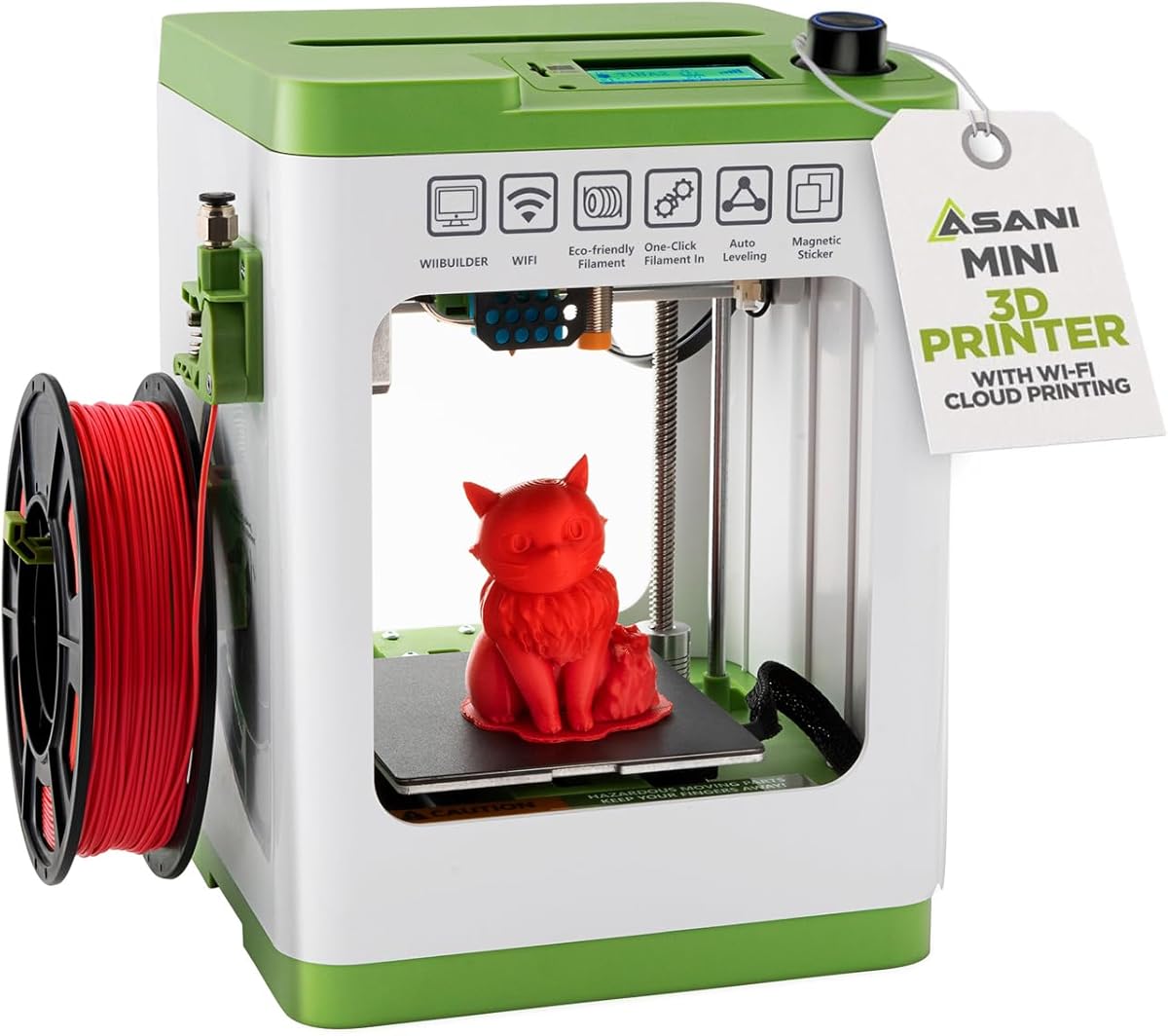
The TINA2S arrives fully assembled which removes the frustration of building a printer. It includes filament and a microSD card so you can start immediately. This is a complete solution for families or students.
We may earn a commission when you buy through this link, at no additional cost to you.
Auto leveling ensures the first layer is perfect every time. The compact size makes it easy to store when not in use. Open source compatibility allows you to use familiar slicing software.
Note that using non-magnetic plates can cause sensor issues. It is important to stick with the included platform for reliability. This minor constraint ensures the system functions as designed.
If you want a plug-and-play experience without technical setup, this is an ideal choice. It is designed to maximize fun and minimize time spent troubleshooting.
The unit arrives fully built so you save hours on setup and can print right out of the box.
Compatibility with major software allows you to customize settings as you gain experience.
We may earn a commission when you buy through this link, at no additional cost to you.
The Ender 3 V3 SE is a budget-friendly option that still prioritizes ease of use. It includes auto leveling as a standard feature which is rare at this price. You can assemble it in a few simple steps.
We may earn a commission when you buy through this link, at no additional cost to you.
It features a silent mainboard which ensures a quiet environment for your home. The spring steel plate allows models to be removed easily after cooling. This combination of features makes it accessible to new users.
While it requires some assembly and is slower than premium models it offers great value. The build quality is sufficient for learning and hobby projects. It is a solid entry point for the hobby.
For those watching their budget but needing reliable performance this is the best choice. It proves that ease of use does not have to cost a fortune.
Auto leveling at this price point removes a major barrier for new hobbyists.
Simple assembly instructions make it possible to get started in under an hour.
We may earn a commission when you buy through this link, at no additional cost to you.
The Kobra X brings native multicolor printing to a relatively easy-to-use platform. It comes with four colors built-in which simplifies the process of creating vibrant models. This is a significant upgrade for visual projects.
We may earn a commission when you buy through this link, at no additional cost to you.
LeviQ 3.0 leveling ensures a flat bed for consistent adhesion. The system supports dual-band Wi-Fi for stable remote control. You can monitor prints from anywhere using the dedicated app.
Note that filament is not included which adds to the initial cost. Managing multiple colors requires some attention to detail. However, the convenience of built-in color mixing is unique.
If you want to create colorful projects without complex hardware upgrades this is the best option. It balances ease of use with the desire for visual creativity.
Native multi-color printing simplifies creating vibrant designs without manual filament swaps.
Dual-band Wi-Fi ensures stable connections for monitoring and controlling prints remotely.
We may earn a commission when you buy through this link, at no additional cost to you.
Choosing the right printer requires understanding which features truly impact your daily workflow. Below are key factors to consider before making your purchase decision.
Automation is the cornerstone of an easy to use printer. Look for machines that handle leveling and calibration automatically. This reduces the need for manual adjustments and ensures better first layers.
Always check if the device includes these features out of the box. Relying on external modules can increase complexity and cost.
The time it takes to get printing affects your satisfaction. Some models require hours of assembly while others are fully built. Fully assembled units are ideal for beginners who want instant results.
Prioritize models that promise setup in under twenty minutes. This ensures you spend time creating rather than building.
The size of the print bed determines what you can create in one piece. Small machines are portable but limit larger projects. Ensure the dimensions match the typical size of your intended models.
If you plan to print functional parts choose a volume that fits them. Otherwise a smaller compact printer will suffice for toys and models.
Support for various materials expands your creative options. PLA is the easiest to use while others like ABS require enclosures. Check if the printer supports flexible materials for versatile projects.
Ensure the machine is versatile enough for your needs. A printer limited to one type may restrict future projects.
Wi-Fi and app support allow for remote monitoring and control. This is useful for long prints that require attention. Direct USB or card slots provide alternatives when networks are unavailable.
Choose a model that fits your preferred workflow. Wireless options offer convenience while wired options offer stability.
Printers can be noisy during operation which may disturb a home environment. Look for models with silent boards or noise cancellation. This ensures you can print in shared spaces without disruption.
Quiet operation is a key comfort feature. Verify user reviews regarding sound levels before buying.
A strong user community provides help when issues arise. Large brands usually offer more resources and troubleshooting guides. Check forums to see how active the user base is for a specific model.
Good community support reduces the risk of being stuck. Prioritize established brands with active forums.
Enclosed designs protect against heat and moving parts. This is essential for homes with children or pets. Safety sensors can prevent accidents by detecting issues like clogs.
Always prioritize models that include safety standards. These features protect your home and your device.
Always start by ensuring the build plate is clean and free of dust. Use a lint-free cloth and mild cleaner if needed. This ensures that your prints adhere properly to the surface.
Regularly check the nozzle for blockages and clean it when necessary. Use a cleaning filament or needle to remove any residue. This maintains consistent extrusion and print quality.
Store your filament in a dry environment to prevent moisture absorption. Use airtight containers with desiccants to keep material dry. This prevents bubbles in your prints and ensures reliability.
Yes, many models in this list are designed specifically with safety and ease of use in mind for children. Enclosed designs and simplified interfaces make them ideal for educational projects and creative play.
No, most modern easy to use 3D printers work with pre-designed models from online libraries. You simply select the model and print without needing to write code or design from scratch.
PLA is generally the easiest and most forgiving filament for beginners. It prints at low temperatures and does not require a heated bed, making it ideal for easy to use printers.
If your printer features auto leveling you may rarely need to manually calibrate. However, periodic checks are recommended if you notice bed adhesion issues or first layer inconsistencies.
Some advanced models support multi-color printing via add-ons or native systems. Check the product details to see if the specific printer supports color mixing or single color only.
Many modern printers include power-loss recovery features. This saves the current layer and resumes printing once power is restored preventing material waste and failed models.
Keep the nozzle clear by using cleaning filaments regularly. Ensure you do not force the nozzle if it clogs and consult the manual for specific cleaning procedures.
An enclosure helps maintain temperature stability and is necessary for advanced materials. For beginners using PLA it is less critical but offers a safety benefit for shared spaces.
In summary, the Bambu Lab A1 leads the pack for its seamless automation and reliability. For budget-conscious buyers the Ender 3 V3 SE offers excellent value without sacrificing essential features.
Consider your specific needs regarding build volume and material support before purchasing. Whether you need speed or safety there is a model on this list that fits your goals.
Remember to check the current pricing and availability before finalizing your decision. Prices and models change frequently so verify the details match your requirements.