
Seagate 8TB BarraCuda Internal Hard Drive
4.7Editor score
High capacity for media
Reliable performance
Frustration free packaging
Selecting the right hard drive for Jellyfin is crucial for smooth streaming and long-term reliability. You need storage that handles multiple concurrent streams without lag while maintaining data integrity over years of use.
We evaluated ten top-rated drives based on capacity, speed, and NAS optimization. Our analysis focuses on workload ratings, cache sizes, and compatibility with common server configurations to ensure optimal performance.
Each pick highlights specific strengths for Jellyfin users, from budget options to premium NAS drives. Keep in mind that prices fluctuate frequently, so verify current deals before making your final purchasing decision today.
4.7Editor score

4.5Editor score
4.2Editor score
As an Amazon Associate we earn from qualifying purchases.
This side-by-side comparison highlights the key specifications and strengths of each drive. Use this table to quickly identify which model matches your server requirements and budget constraints effectively.




The Seagate IronWolf 4TB NAS Internal Hard Drive stands out as our top choice for Jellyfin servers due to its NAS-specific optimization. It is engineered to handle multiple simultaneous streams without lag, making it ideal for media serving.
We may earn a commission when you buy through this link, at no additional cost to you.
This drive offers a balanced mix of capacity and performance tailored for continuous operation. Its integrated Health Management system allows you to monitor drive status easily, ensuring your library remains accessible without unexpected interruptions.
While it carries a premium price compared to standard desktop drives, the added reliability and reduced wear justify the cost for 24×7 environments. The included data recovery service provides extra peace of mind for important media collections.
If you are building or upgrading a dedicated Jellyfin server, this drive delivers consistent performance that keeps your users happy. It is the recommended starting point for anyone serious about home media streaming reliability.
Specifically tuned for multi-bay NAS systems to ensure smooth operation under constant load conditions.
Integrated tools help you track drive health proactively to prevent data loss before issues arise.
We may earn a commission when you buy through this link, at no additional cost to you.
The Seagate 8TB BarraCuda Internal Hard Drive offers an impressive amount of storage for the price, making it a top budget pick. It provides enough space for extensive media libraries without breaking the bank.
We may earn a commission when you buy through this link, at no additional cost to you.
With a sustained transfer rate of 190MB/s, this drive handles large file writes and reads efficiently. It is suitable for users who primarily store movies and shows rather than running constant transcoding tasks.
Although it is not explicitly designed for NAS workloads, many users report stable performance in home server setups. The main trade-off is the lack of specialized firmware for multi-drive vibration resistance.
Choose this if you need maximum capacity per dollar and are comfortable managing your own backups. It is a great entry point for hobbyists looking to build a large media collection affordably.
Delivers high terabyte counts at a competitive price point ideal for growing media collections.
Sustained rates ensure quick data access for smooth playback of high-resolution video files.
We may earn a commission when you buy through this link, at no additional cost to you.
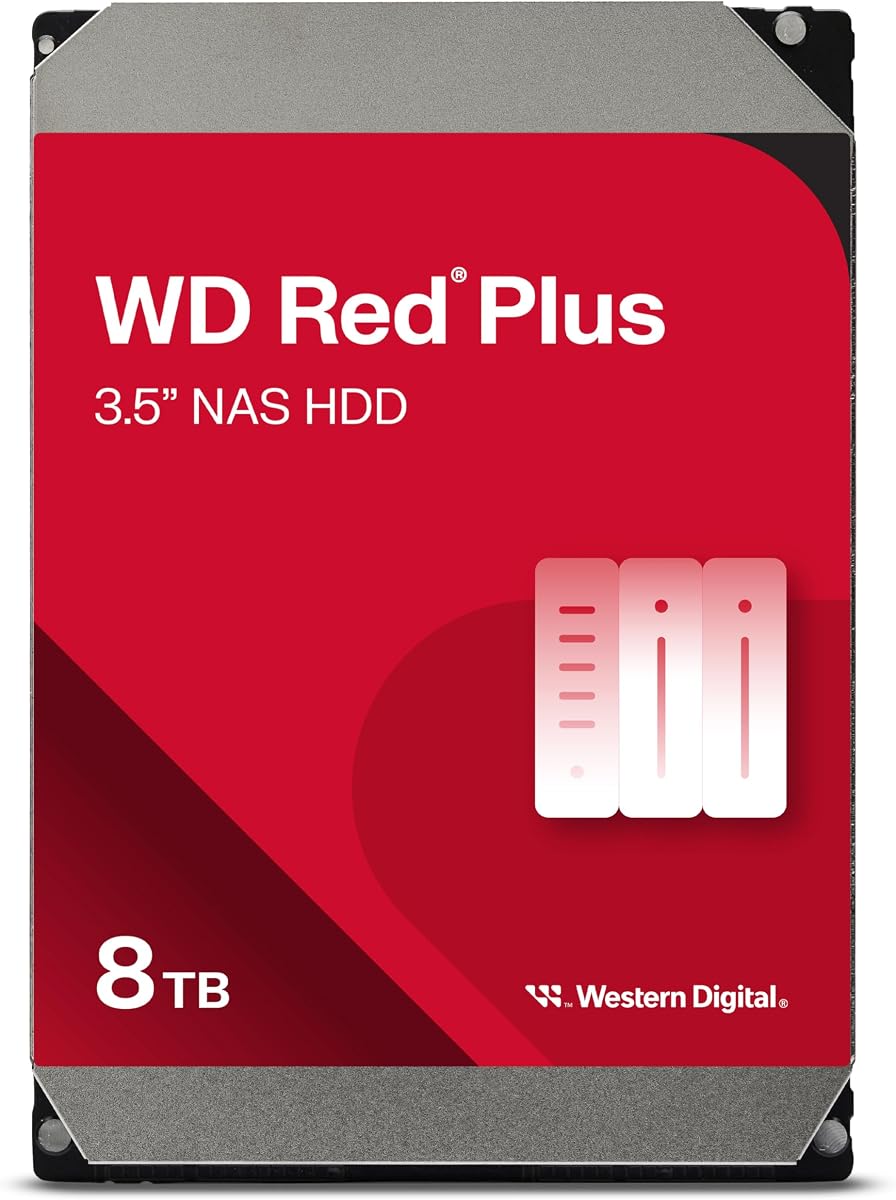
The Western Digital 8TB WD Red Plus NAS Internal Hard Drive is a premium option designed for serious home servers. Its CMR technology ensures better performance than SMR drives when managing large datasets frequently.
We may earn a commission when you buy through this link, at no additional cost to you.
Featuring a 256 MB cache, this drive handles caching needs well for active media serving. The workload rate supports heavy use, making it suitable for households with multiple concurrent viewers streaming 4K content.
While it costs more than desktop alternatives, the specialized firmware provides better stability in shared environments. Users appreciate the reduced noise and vibration compared to standard hard drives in multi-bay setups.
Invest in this drive if you prioritize long-term stability and need guaranteed compatibility with RAID arrays. It is the right choice for those who demand premium reliability for their Jellyfin media center.
Conventional Magnetic Recording ensures consistent performance during heavy writes without data fragmentation.
Optimized algorithms enhance compatibility with various NAS enclosures and server management tools.
We may earn a commission when you buy through this link, at no additional cost to you.
The Seagate One Touch 8TB External Hard Drive Desktop HDD offers a simple way to add bulk storage to any server. It connects easily via USB-C, allowing you to expand your Jellyfin library without opening the case.
We may earn a commission when you buy through this link, at no additional cost to you.
This drive is ideal for users who want flexibility to move data between systems or create backups quickly. Its bus-powered nature means you do not need an extra outlet, simplifying your cable management significantly.
Performance is generally good for media storage, though internal SATA drives remain faster for active transcoding. The included recovery services add value for protecting valuable personal media files from accidental loss.
Select this for expansion or archival storage where easy access matters most. It works well as a secondary drive for backups or for adding more space to a pre-built server.
Modern USB-C interface ensures fast data transfer and broad compatibility with latest computers.
Quick connect capability makes regular data backup simple without technical knowledge requirements.
We may earn a commission when you buy through this link, at no additional cost to you.
The Seagate 1TB Mobile HDD is a compact solution for small form factor servers where space is tight. Its thin 7mm design makes it perfect for mini PCs or custom-built media centers with limited drive bays.
We may earn a commission when you buy through this link, at no additional cost to you.
Though limited to 1TB, it is efficient for storing essential media or acting as a boot drive for your server OS. The low power consumption helps keep overall system heat levels manageable in tight enclosures.
This drive is not meant for large media libraries due to its limited capacity. It shines when you need a reliable, space-efficient drive for system files or small curated playlists.
Use this if your server build has strict size constraints. It is a practical option for those who prioritize compact design over massive storage capacity in their media server.
Fits into tight spaces where standard drives cannot physically fit inside compact cases.
Lower power draw reduces heat output helping maintain stable server temperatures over time.
We may earn a commission when you buy through this link, at no additional cost to you.
This Seagate IronWolf NAS drive is engineered specifically for storage servers requiring stable continuous operation. It handles the write-intensive nature of media transcoding better than standard desktop drives do.
We may earn a commission when you buy through this link, at no additional cost to you.
The IronWolf Health Management system provides deep insights into drive performance, allowing for proactive maintenance. This feature is invaluable for ensuring your media server runs without unexpected downtime or failure.
While you pay a premium for NAS features, the reduced risk of data loss makes it worthwhile. It balances performance and reliability for home users who need their library always available.
Select this if you are running a true NAS server or want drive features. It ensures your media library stays safe and accessible even under heavy daily usage loads.
Built to handle 24×7 workloads without overheating or wearing out prematurely over years.
Integrated monitoring helps you predict failures before they cause data loss or server downtime.
We may earn a commission when you buy through this link, at no additional cost to you.
The Western Digital 12TB WD Blue Internal Hard Drive offers massive storage capacity ideal for large media libraries. With 12TB, you can store thousands of high-definition titles in a single drive.
We may earn a commission when you buy through this link, at no additional cost to you.
Featuring a 512 MB cache, this drive handles data transfer efficiently to prevent buffering during playback. It is a strong choice for users who want fewer drives to manage in their server setup.
While designed for everyday computing, its speed and capacity make it a viable option for media servers. The included cloning software helps migrate existing data to this larger drive seamlessly without issues.
Choose this if you prioritize capacity and speed over specialized NAS features. It is perfect for single-drive setups where storing a vast number of movies is the primary goal.
Huge capacity allows storing vast media libraries without needing multiple drives for extra space.
Large cache improves data access speed ensuring smooth playback of large high-definition video files.
We may earn a commission when you buy through this link, at no additional cost to you.
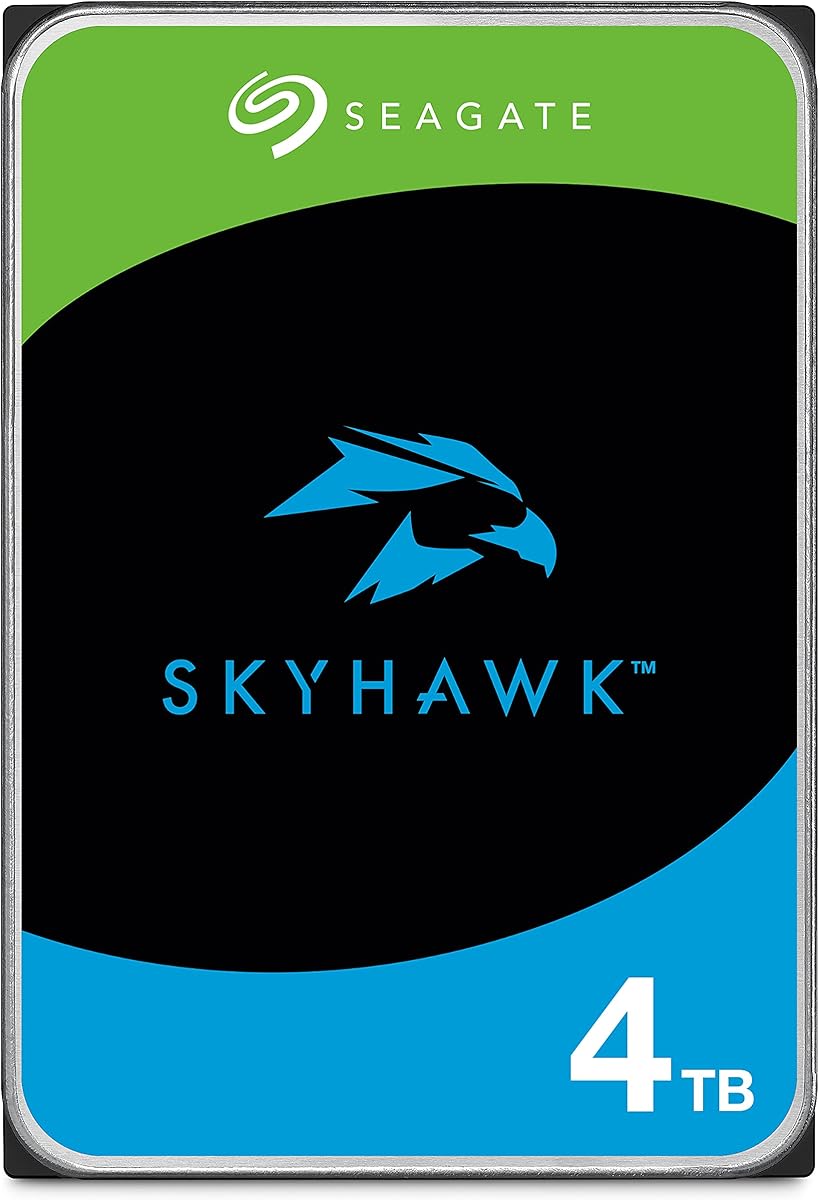
The Seagate Skyhawk 4TB Video Internal Hard Drive is built for continuous write workloads which benefits streaming servers. Its firmware is tuned to handle multiple simultaneous writes without dropping frames or data.
We may earn a commission when you buy through this link, at no additional cost to you.
With rotational vibration sensors, this drive performs well in multi-drive environments where vibrations can impact reliability. This feature ensures stable operation even when installed in enclosures with multiple other hard drives.
While targeted at surveillance systems, its write performance translates well to media servers that transcode often. The high workload rating means it is built to last under heavy daily usage conditions without failure.
Opt for this if you run a server that writes data constantly alongside reading. It provides the stability needed for media centers that process large amounts of data regularly.
Designed for constant write operations ensuring reliable performance during heavy data stream processing.
RV sensors help maintain speed and stability in multi-drive server enclosures or complex setups.
We may earn a commission when you buy through this link, at no additional cost to you.
The Western Digital 6TB WD Purple Surveillance Internal Hard Drive is designed for high stream count scenarios similar to media serving. It excels at handling simultaneous data writes without dropping frames during playback.
We may earn a commission when you buy through this link, at no additional cost to you.
AllFrame AI technology reduces video corruption risks, ensuring smooth playback even under heavy load. This makes it suitable for Jellyfin setups where multiple users access the server at once simultaneously.
Although intended for surveillance, its high workload tolerance offers strong performance for media centers. The drive handles the continuous read-write cycles of a busy media server with minimal lag or issues.
Choose this if you need a drive optimized for high write loads. It provides robust performance for households with many concurrent viewers accessing the media server at the same time.
Engineered for systems with many concurrent connections ensuring smooth performance during peak usage.
AllFrame AI tech minimizes data errors ensuring reliable storage for media files and video streams.
We may earn a commission when you buy through this link, at no additional cost to you.
The SEAGATE Skyhawk 4TB Surveillance Hard drive delivers reliable performance for continuous operation. It is built to withstand the high workload typical of streaming media servers and video management systems.
We may earn a commission when you buy through this link, at no additional cost to you.
With Image Perfect firmware, this drive ensures clean data writes essential for media playback stability. It also includes rotational vibration sensors to maintain performance when installed alongside other drives.
While marketed for security systems, its ability to handle heavy writes makes it a strong candidate for media servers. It supports a workload rating of 180TB per year, exceeding typical desktop drive limits.
Select this for servers that need steady, uninterrupted performance. It is a solid pick for users who value reliability and consistent data access for their media library.
Custom firmware ensures consistent data writing for smooth streaming of media files.
Rotational vibration sensors maintain stability when multiple drives operate together inside a server.
We may earn a commission when you buy through this link, at no additional cost to you.
Selecting the right drive depends on your server size, usage patterns, and budget. This guide breaks down the key factors to consider for optimal Jellyfin performance.
Jellyfin libraries grow quickly as you add 4K and HDR content. Calculate your current usage and future growth to determine the right size. Larger capacities like 8TB or 12TB reduce the need for multiple drives.
Choose a drive that fits your storage goals without wasting money on unused space. A single large drive is easier to manage than several small ones.
NAS and Surveillance drives are rated for higher annual workloads than standard desktop drives. This ensures reliability during 24×7 operation typical for media servers streaming media to users.
Look for workload ratings of 180TB or more if your server runs continuously. This prevents premature failure due to constant read and write activity.
Conventional Magnetic Recording (CMR) drives offer better performance and reliability than Shingled Magnetic Recording (SMR) drives. CMR is essential for RAID arrays and high-frequency data updates in Jellyfin.
Always check if the drive uses CMR technology before buying. SMR drives can slow down significantly under heavy writes affecting streaming performance.
Ensure your drive supports SATA 6Gb/s to take full advantage of available bandwidth. Faster interfaces reduce bottlenecks during high-resolution video playback and transcoding tasks.
Most modern drives support this standard, but verify specs to avoid older slower models. Speed is critical for smooth multi-user playback.
Rotational vibration sensors help drives maintain performance in multi-drive enclosures. This is vital for NAS setups where physical vibrations can cause errors or reduced lifespan.
If you plan to use multiple drives, select models with RV sensors. They ensure consistent speed and reliability in crowded server cases.
NAS and enterprise drives typically offer longer warranties like three years. This provides peace of mind and financial protection if a drive fails unexpectedly during use.
Check warranty terms and included services like data recovery. Good support can save significant costs and effort during failure events.
Servers run continuously, so lower power consumption reduces electricity costs and heat output. 5400 RPM drives generally use less power than 7200 RPM models.
Balance speed and power needs based on your environment. A cooler system is quieter and more reliable for home use.
High-end drives cost more but offer better reliability and performance. Decide if you need NAS-specific features or if a standard drive will suffice for your use case.
Budget drives are fine for personal use, while NAS drives suit shared household servers. Align your purchase with how critical reliability is for your setup.
Install the drive securely in a well-ventilated enclosure. Proper mounting reduces vibrations and helps dissipate heat for optimal performance over time.
Initialize the drive using your OS or server software. Format it with a file system compatible with your server setup like ext4 or NTFS for best results.
Regularly check drive health using monitoring tools like S.M.A.R.T. Replace any drive showing early warning signs to prevent unexpected data loss and downtime.
Yes, you can use a standard desktop drive for a Jellyfin server if your workload is light. However, NAS or surveillance drives are recommended for 24×7 operation and multiple users because they are more durable and optimized for continuous use.
CMR drives use conventional magnetic recording for consistent performance and reliability. SMR drives stack data tracks to increase density but suffer performance slowdowns under heavy writes. CMR is preferred for servers and RAID systems.
Storage needs vary based on media quality. A 4TB drive can hold around 100 4K movies, while 8TB+ suits large libraries. Estimate based on your collection size and expected growth over the next few years.
RPM affects data transfer rates and power consumption. Higher RPM drives are faster but hotter and louder. For media serving, 5400 RPM is often sufficient while balancing speed and power efficiency effectively.
You can physically mix different drives, but performance may vary. In RAID setups, matching drives is better for reliability. For simple storage, mixed drives work fine but consider using the largest for primary media.
Yes, surveillance drives like Skyhawk or Purple work well due to high write tolerance. They handle continuous streaming loads effectively, making them a viable option for Jellyfin servers running multiple concurrent streams.
Our top picks highlight the Seagate IronWolf for reliability, the BarraCuda for budget capacity, and the WD Red Plus for premium features. Each option serves different needs for home media servers.
Prioritize reliability and capacity if your server runs constantly. CMR technology and high workload ratings ensure your library stays safe and accessible without interruption.
Prices change frequently so check current deals before purchasing. Invest in quality storage now to avoid data loss and enjoy smooth streaming for years to come.