
15.6 Inch Privacy Screen Filter
4.2Editor score
Blocks 30 percent blue light
Easy slide-on installation method
Fits 16:9 aspect ratio screens
Protecting your sensitive data while working in public spaces is essential for modern professionals. A quality laptop privacy screen filter blocks side views while maintaining front clarity.
We evaluated ten highly rated filters based on compatibility, installation ease, and optical performance. Our analysis covers various sizes and aspect ratios to ensure a precise fit.
Each pick highlights unique features like blue light blocking and magnetic attachment. Prices fluctuate regularly, so verify current listings before purchasing your ideal screen protector.
4.2Editor score

4.2Editor score

4.4Editor score
As an Amazon Associate we earn from qualifying purchases.
The following table provides a side-by-side comparison of all ten selected filters, highlighting key specifications and unique features to simplify your decision-making process.


This filter offers excellent value for users needing basic privacy protection on 15.6 inch displays. It maintains clear visibility from the front while blocking side views effectively.
We may earn a commission when you buy through this link, at no additional cost to you.
The filter reduces eye strain by blocking 30 percent of harmful blue light between 380 and 495 nanometers. It also keeps your screen safe from dust and scratches during daily use.
You must measure your screen manually to ensure a perfect fit since diagonal size alone is not enough. Touchscreen compatibility is absent, which limits its use for touch devices.
Choose this filter if you work in open workspaces and need an affordable solution. It provides reliable privacy without breaking your budget for laptop protection accessories.
Blocking harmful blue light helps reduce eye strain during long work sessions in public areas.
A dedicated team is available 24/7 to assist with any size compatibility questions you may have.
We may earn a commission when you buy through this link, at no additional cost to you.
This magnetic privacy screen stands out for its patented attachment system that requires no messy tape. It is ideal for frequent travelers who need to remove the filter often.
We may earn a commission when you buy through this link, at no additional cost to you.
The package includes a webcam privacy cover and storage folder, adding extra value to the purchase. It is compliant with Section 889 and TAA standards for government use.
Magnetic stickers attach along the top bezel, making installation simple and non-damaging to your device. You must verify width and height measurements carefully before ordering.
Select this option if you prefer a reusable solution that protects your laptop without adhesive residue. It offers superior convenience for those who move between locations daily.
Protected by US patents, the magnetic attachment ensures a secure fit without damaging your laptop frame.
Compliance with TAA and Section 889 makes this suitable for government contractors and institutional users.
We may earn a commission when you buy through this link, at no additional cost to you.
This premium filter uses Advanced Nanolouver technology to maintain up to 85 percent light transmission. It balances privacy with brightness better than standard black filters on the market.
We may earn a commission when you buy through this link, at no additional cost to you.
The COMPLY Flip Attach system allows you to switch between privacy and screen sharing instantly. It is hand inspected to ensure quality and consistent performance across every unit.
Users can choose between glossy and matte finishes to reduce glare or fingerprints. It reduces blue light without distorting the natural color of your display significantly.
Opt for this filter if you demand top-tier optical clarity and flexibility for presentations. It is a worthwhile investment for professionals who need reliable privacy.
Up to 25 percent brighter than others, ensuring your screen remains vibrant even with the filter attached.
The proprietary hinge design withstands daily use while enabling quick switching for collaborative work.
We may earn a commission when you buy through this link, at no additional cost to you.
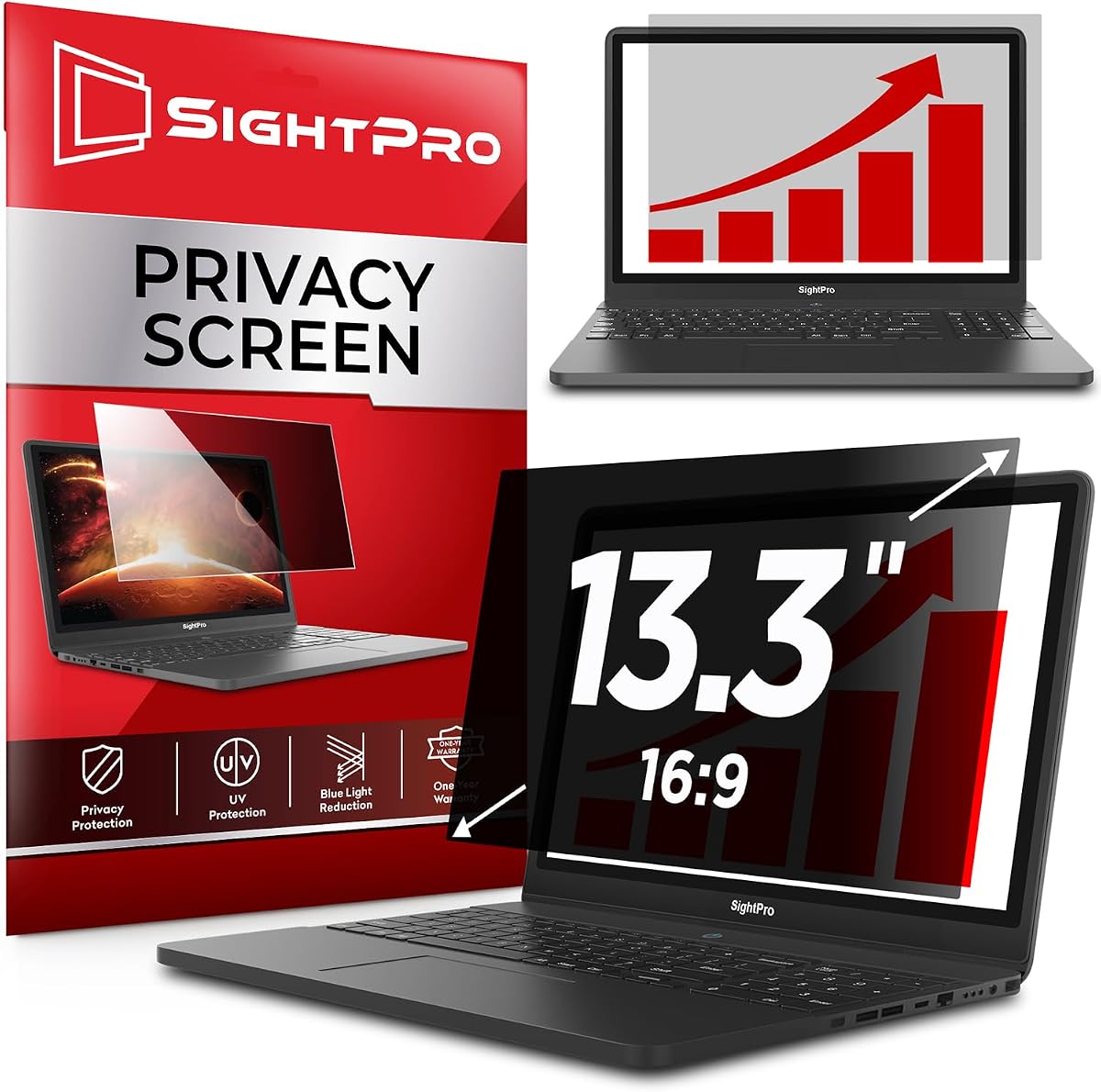
This filter provides high clarity for 13.3 inch laptops with a 16:9 aspect ratio. It ensures sensitive information remains secure while working in public areas like airports.
We may earn a commission when you buy through this link, at no additional cost to you.
Two attachment options include clear adhesive strips and slide mount tabs for flexibility. It is designed to block side views while maintaining a crystal clear screen straight on.
It protects your eyes from harmful glare, UV, and blue light effectively. The package includes transparent strips and a cleaning cloth for a complete setup experience.
Choose this if you have a standard 13.3 inch Windows laptop needing a reliable privacy solution. It delivers excellent value for its specific size compatibility range.
Advanced multi-layered film ensures sharp visuals without compromising privacy protection from side angles.
Slide mount tabs allow you to remove the filter quickly when sharing your screen is necessary.
We may earn a commission when you buy through this link, at no additional cost to you.
This unique screen offers 360-degree protection in all directions unlike standard horizontal filters. It is perfect for environments where people might view from above or below.
We may earn a commission when you buy through this link, at no additional cost to you.
You can choose between glossy for better privacy or matte to prevent glare. The screen blocks blue light and UV rays to reduce eye fatigue during long work sessions.
Installation involves slide mount tabs or double-sided adhesive at corners for stability. You need to check compatibility carefully as it does not support Surface or MacBook series.
Select this if you need comprehensive privacy protection from every angle. It provides a secure visual environment for sensitive tasks in crowded spaces.
Comprehensive privacy coverage ensures data security even from overhead or downward viewing angles.
Glossy offers maximum privacy while matte reduces glare for better visibility in bright conditions.
We may earn a commission when you buy through this link, at no additional cost to you.
This anti-glare protector is designed specifically for 15.6 inch laptops with 16:9 aspect ratios. It ensures a crystal clear view from the front while blocking side views effectively.
We may earn a commission when you buy through this link, at no additional cost to you.
It includes a microfiber cleaning cloth and clear adhesive strips for secure attachment. You can use slide mount tabs to remove the filter easily when needed for collaboration.
The advanced multi-layered film blocks harmful glare, UV, and blue light. This helps maintain eye comfort during long hours of work in various lighting environments.
Choose this filter if you work in brightly lit areas and need glare reduction. It offers robust privacy and eye protection for your larger display screen.
Reduces reflected light to improve visibility and reduce eye strain in bright office or outdoor settings.
Secure tabs allow the filter to slide on and off the screen as needed for sharing content.
We may earn a commission when you buy through this link, at no additional cost to you.
This 14 inch screen offers lifetime free support and a 92 percent blue light reduction. It is designed to prevent eye fatigue and protect sensitive corporate information reliably.
We may earn a commission when you buy through this link, at no additional cost to you.
The package includes alcohol wipes and extra cleaning cloths for a complete cleaning setup. You can choose between permanent adhesive or removable slide mount tabs based on preference.
It features a high-transparent reinforced built-in protective layer that resists scratches. The reversible design allows you to switch between matte for anti-glare or glossy for privacy.
Select this filter if you want strong warranty backing and flexible installation options. It provides comprehensive protection for your screen and eyes in public spaces.
Any issues regarding delivery or size are resolved with a replacement unit at no cost to you.
Imported optical materials filter out harmful blue light to reduce eye strain effectively.
We may earn a commission when you buy through this link, at no additional cost to you.
This premium filter is engineered for 14 inch full screen laptops with advanced Nanolouver technology. It ensures a perfect balance of privacy, brightness, and clarity for users.
We may earn a commission when you buy through this link, at no additional cost to you.
The COMPLY Flip Attach system allows easy switching between privacy mode and screen sharing. It transmits up to 85 percent of the screen's light for vibrant display performance.
100 percent hand inspection guarantees consistent quality and adherence to strict standards. It reduces blue light without distorting the natural color of your display.
Choose this filter if you need full screen privacy without compromising visual quality. It is ideal for professionals requiring high fidelity in their visual workflow.
Proprietary technology maintains display brightness while blocking side views effectively for secure working.
Every unit undergoes rigorous manual inspection to ensure flawless performance and build quality.
We may earn a commission when you buy through this link, at no additional cost to you.
This filter features the COMPLY attachment system for quick switching between privacy and screen sharing. It delivers world-class effective black out privacy from side views outside the 60 degree angle.
We may earn a commission when you buy through this link, at no additional cost to you.
The system uses a proprietary hinge design to withstand the rigors of daily use. You can reverse the filter between glossy and matte finishes to reduce glare and fingerprints.
It reduces 35 percent of blue light transmission from the display for better eye health. It is hand inspected to ensure quality assurance and long lasting durability.
Select this filter if you frequently collaborate on screens but still need privacy. It offers a seamless transition between secure work and team presentations.
The proprietary hinge design ensures durability and quick switching between privacy and sharing modes.
Switch between glossy for clarity and matte to reduce glare based on your environment needs.
We may earn a commission when you buy through this link, at no additional cost to you.
This filter offers excellent value for users needing basic privacy protection on 15.6 inch displays. It maintains clear visibility from the front while blocking side views effectively.
We may earn a commission when you buy through this link, at no additional cost to you.
The filter reduces eye strain by blocking 30 percent of harmful blue light between 380 and 495 nanometers. It also keeps your screen safe from dust and scratches during daily use.
You must measure your screen manually to ensure a perfect fit since diagonal size alone is not enough. Touchscreen compatibility is absent, which limits its use for touch devices.
Choose this filter if you work in open workspaces and need an affordable solution. It provides reliable privacy without breaking your budget for laptop protection accessories.
Blocking harmful blue light helps reduce eye strain during long work sessions in public areas.
A dedicated team is available 24/7 to assist with any size compatibility questions you may have.
We may earn a commission when you buy through this link, at no additional cost to you.
Selecting the right privacy filter requires understanding screen dimensions and feature needs.
Always measure the visible area of your screen excluding bezels. Diagonal size alone is not enough for a perfect fit.
Verify width and height specifications to ensure the filter aligns correctly with your laptop display.
Magnetic attachments allow easy removal and reattachment without adhesive residue. Slide mount tabs offer a reusable solution for frequent travelers.
Choose permanent adhesive if you rarely remove the filter or if you prefer a seamless look on your laptop.
Most filters block side views outside a 60-degree viewing angle effectively. Advanced models offer 360-degree protection against overhead or downward viewing.
Select based on your typical environment such as crowded airplanes or busy open office workspaces for maximum security.
Quality filters block harmful blue light to reduce eye strain during long work sessions. Some models reduce up to 90 percent of emitted blue light.
Look for filters that balance privacy protection with eye comfort features for extended daily use.
Glossy finishes offer better visual clarity while matte finishes reduce glare and fingerprints. Some filters are reversible to provide both options.
Choose matte if you work in bright environments or prefer a non-reflective screen surface for comfort.
Filters with COMPLY Flip Attach systems allow you to flip the filter for screen sharing instantly. This ensures seamless collaboration without removing the device physically.
Opt for this feature if you often present data to clients or team members in public spaces.
Government users should verify TAA and Section 889 compliance for procurement requirements. High-quality filters undergo 100 percent hand inspection for quality assurance.
Ensure the product meets your specific organizational standards for durability and regulatory compliance.
Lifetime support policies help resolve issues quickly regarding installation or sizing. Reliable brands offer replacement units for any compatibility errors after purchase.
Choose a seller with dedicated support to avoid long-term maintenance or replacement problems.
Clean your laptop screen with the provided microfiber cloth before installing the filter. Dust or debris can cause uneven adhesion or air bubbles under the privacy sheet.
If using slide mount tabs, stick them to the display frame and gently insert the filter. Ensure it is securely seated to prevent accidental detachment during travel or handling.
Use a soft, dry cloth to wipe the surface of the filter regularly. Avoid harsh chemicals or abrasive cleaners that might damage the multi-layered optical film.
Yes, most filters reduce brightness slightly. However, advanced models transmit up to 85 percent of light to maintain visibility. Choose high-quality filters to minimize the impact on brightness.
Most standard filters are not compatible with touchscreens. You should verify the product specifications before purchasing to ensure it works with your specific touchscreen device.
Measure your screen's visible area width and height. Diagonal size alone is not accurate. Use these measurements to match the filter specifications provided by the manufacturer.
Yes, slide mount tabs or magnetic attachments allow safe removal. Adhesive strips might leave residue on some screens. Choose removable options for non-damaging installation and removal.
Many filters reduce blue light and glare which helps reduce eye strain. Look for features like anti-glare coatings or blue light blocking for better eye comfort during use.
Privacy filters are optional at home unless others view your screen. They are essential for public spaces like coffee shops or travel. Use them when sensitive data is at risk.
These ten filters offer diverse solutions for protecting your data and eyes in various environments. Magnetic, slide mount, and adhesive options suit different usage preferences.
Prioritize precise screen measurements and compliance standards to ensure a perfect fit. Consider features like blue light reduction and screen sharing for enhanced versatility.
Verify current availability and support policies before purchasing. Reliable customer service ensures a smooth experience if you encounter any compatibility issues after ordering.